For arlanix/notification 1.0.0
Topics
A topic is what a message is about, such as Feed alerts or Orders. A rule names the topic it sends to, and the people subscribed to the topic get it.
Open Topics
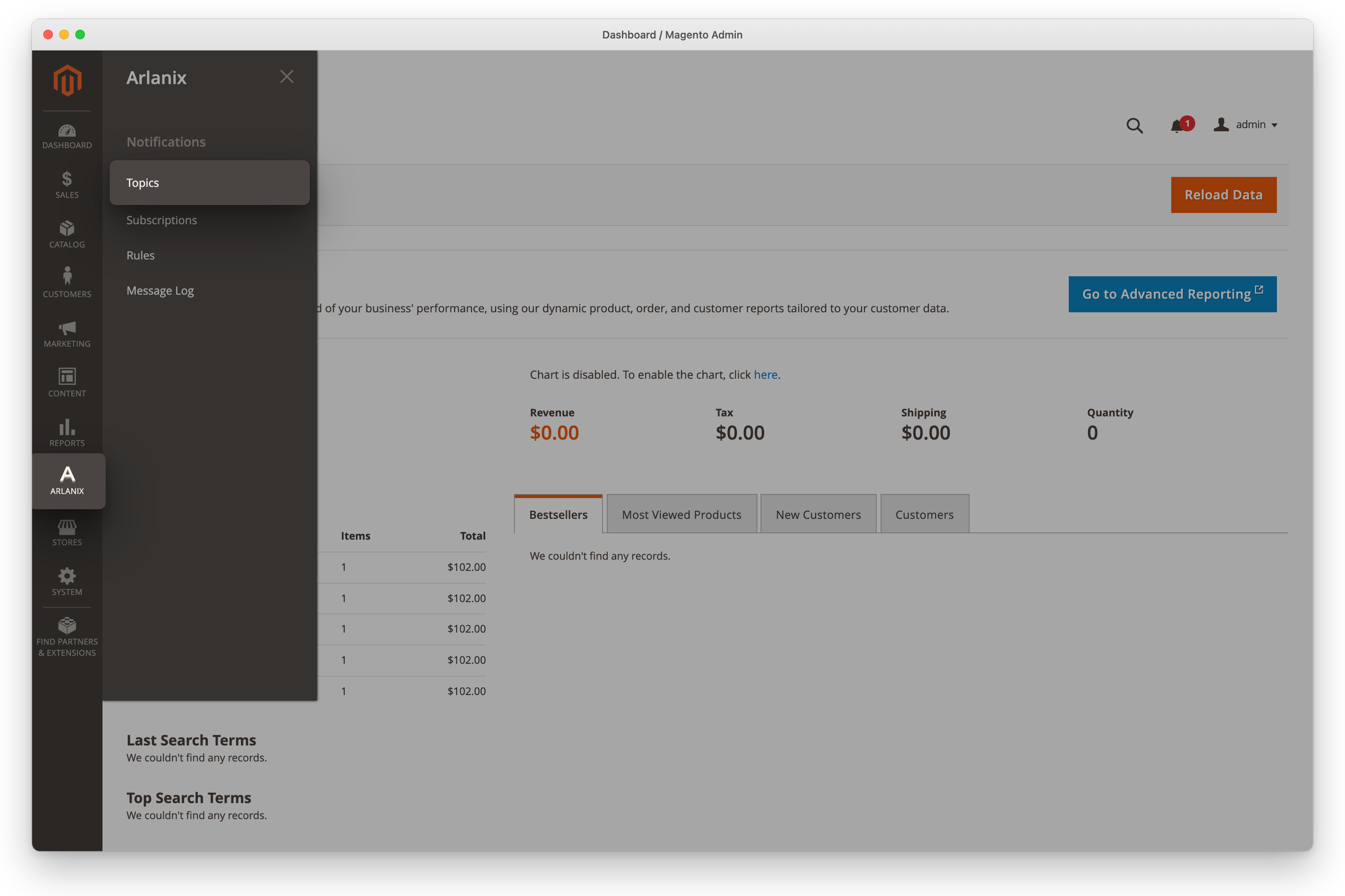
Click Arlanix in the admin's menu, then Topics under Notifications.
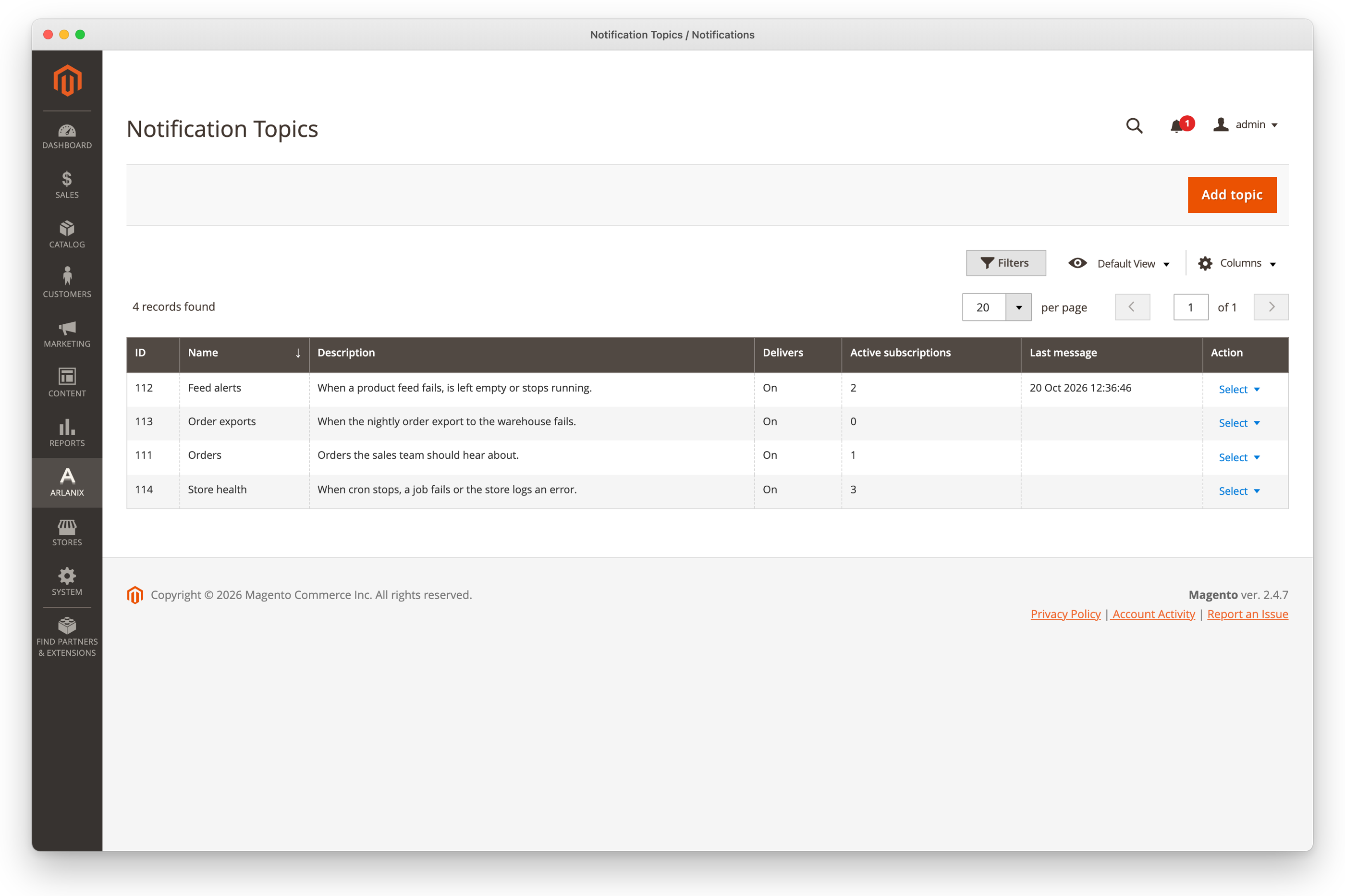
The grid lists the topics: what each is about, whether it delivers, how many active subscriptions it has and when it last got a message.
Make a topic
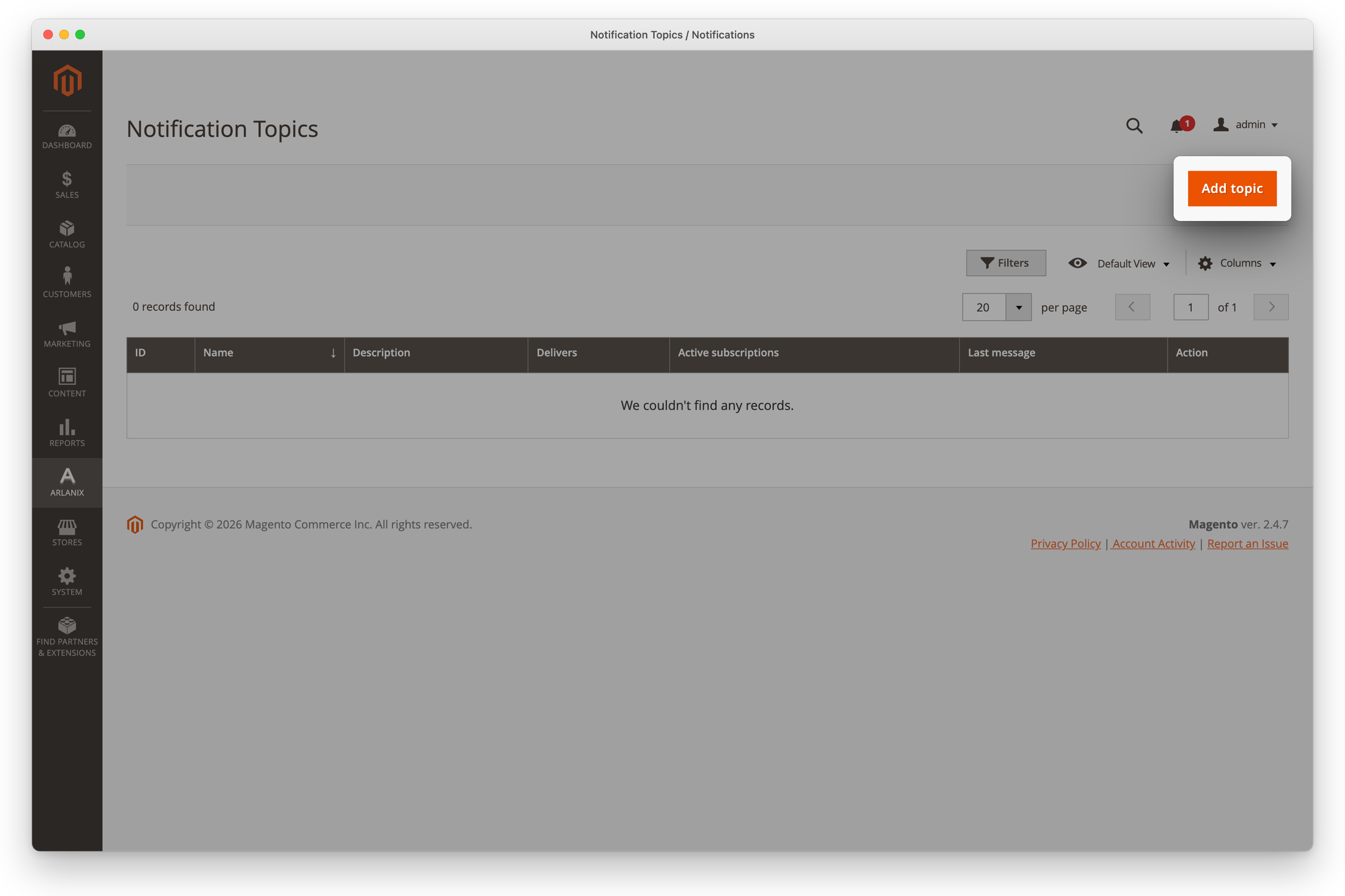
Click Add topic.
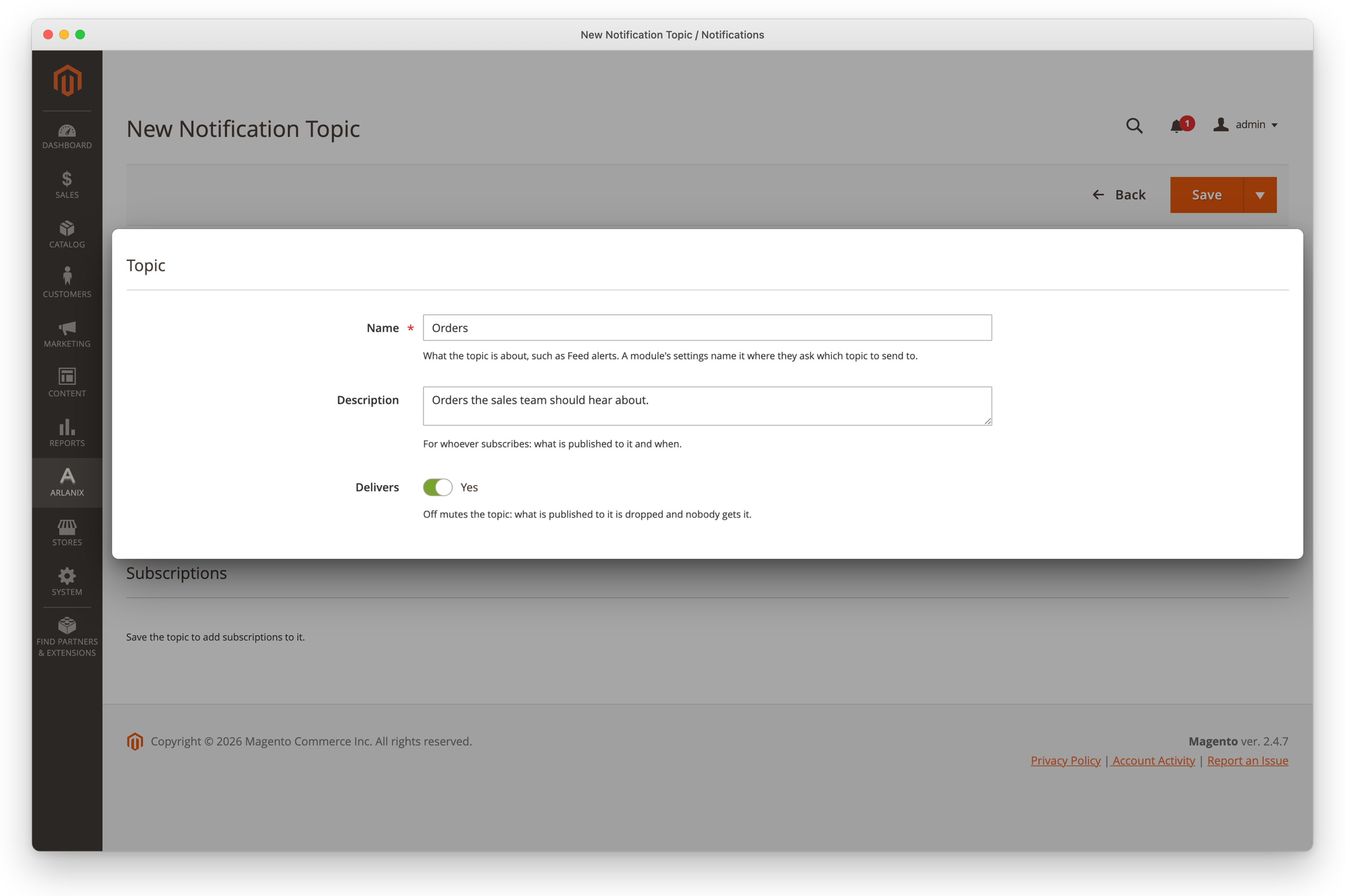
Enter a Name, such as Orders, and a Description of what is sent to it, such as Orders the sales team should hear about.: whoever subscribes reads it. Leave Delivers on.
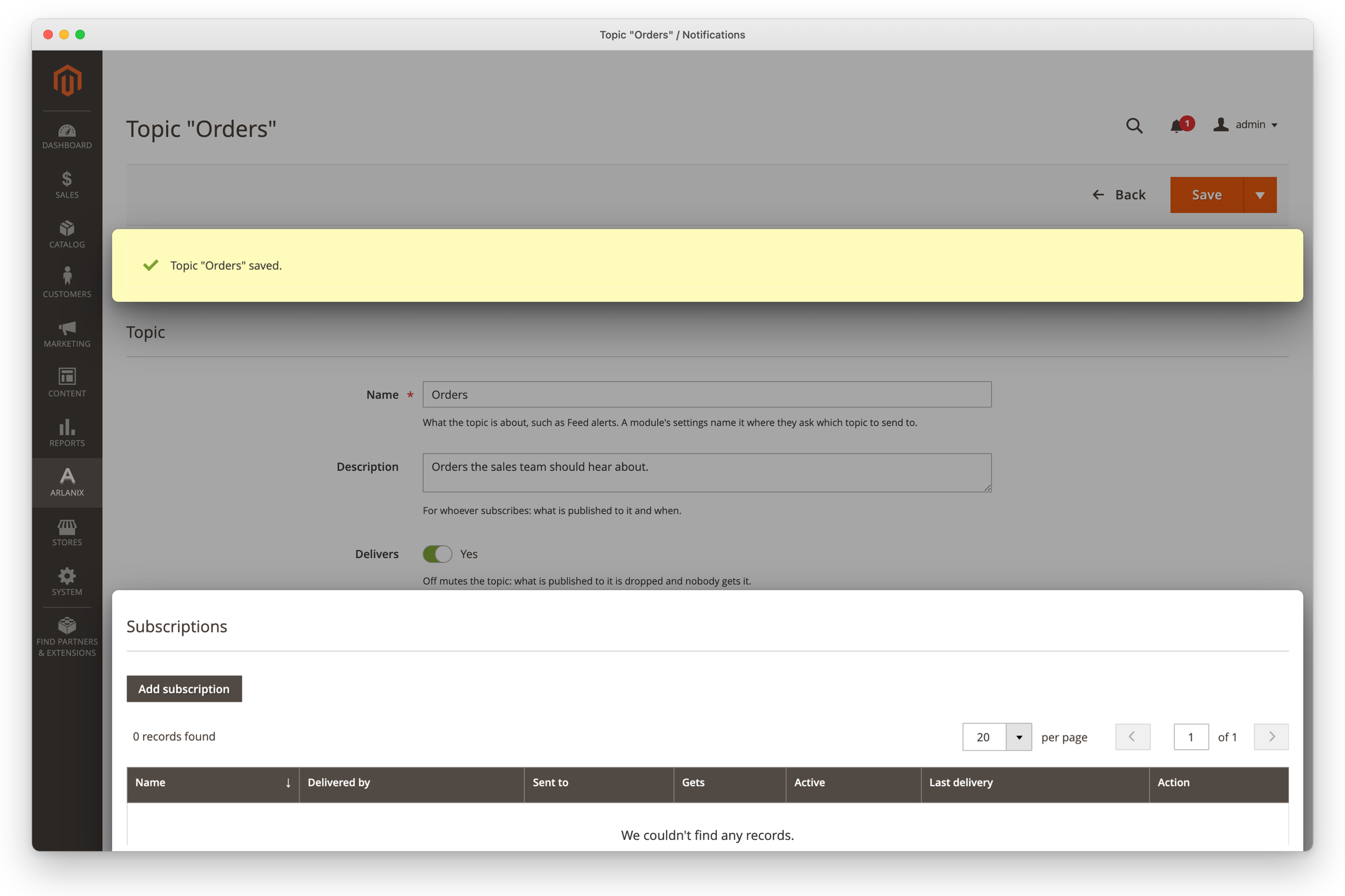
Click Save. The topic's page stays open and says Topic "Orders" saved., now with Subscriptions under it.
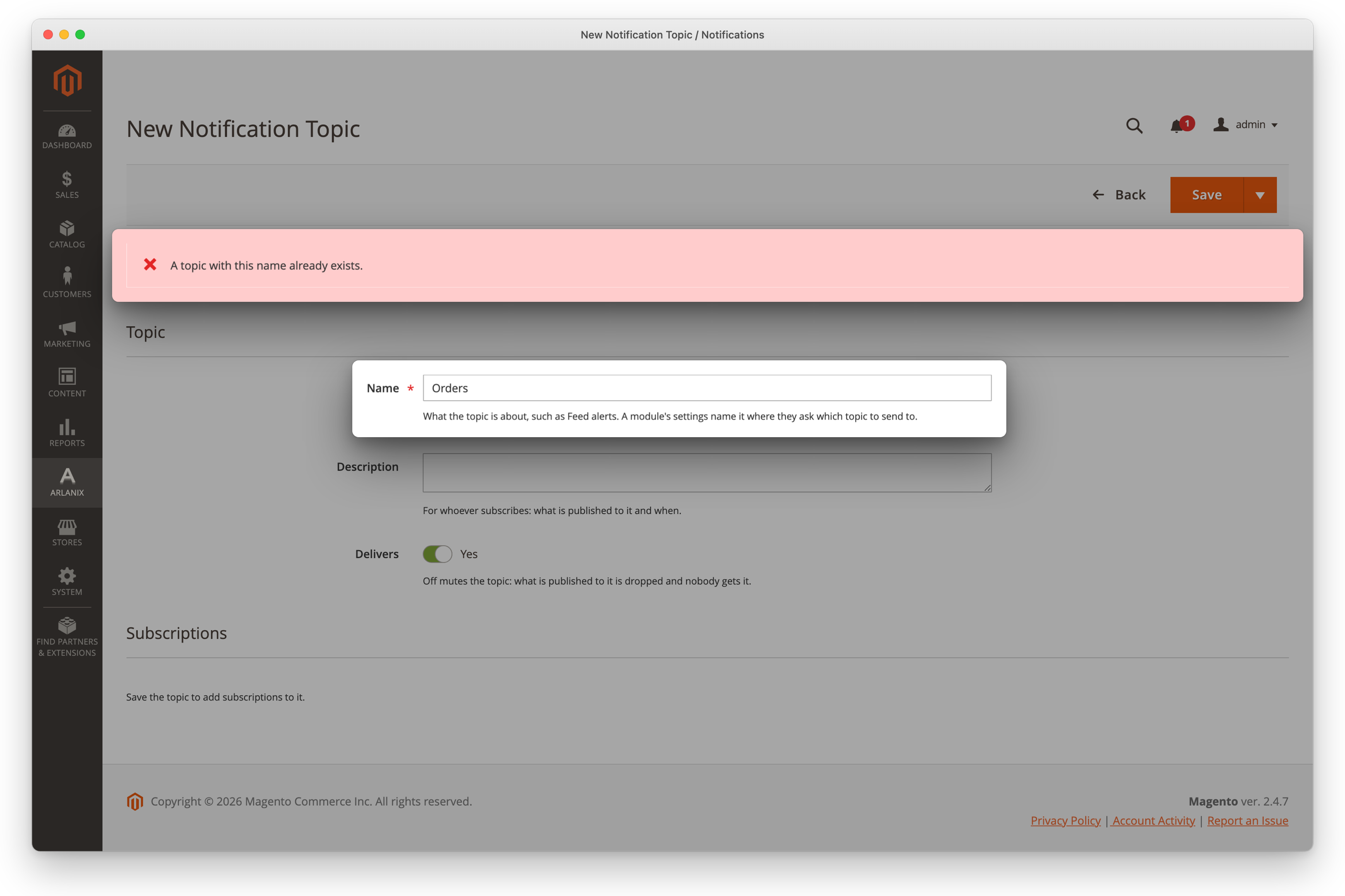
Two topics cannot have the same name: a second Orders is refused, and the form keeps what you typed.
Then make the rule that sends to it. Until then, nothing is published to it but your tests.
Subscribe people on its page
A saved topic's page lists its subscriptions under Subscriptions, with how each is delivered, where to, and how its last delivery went.
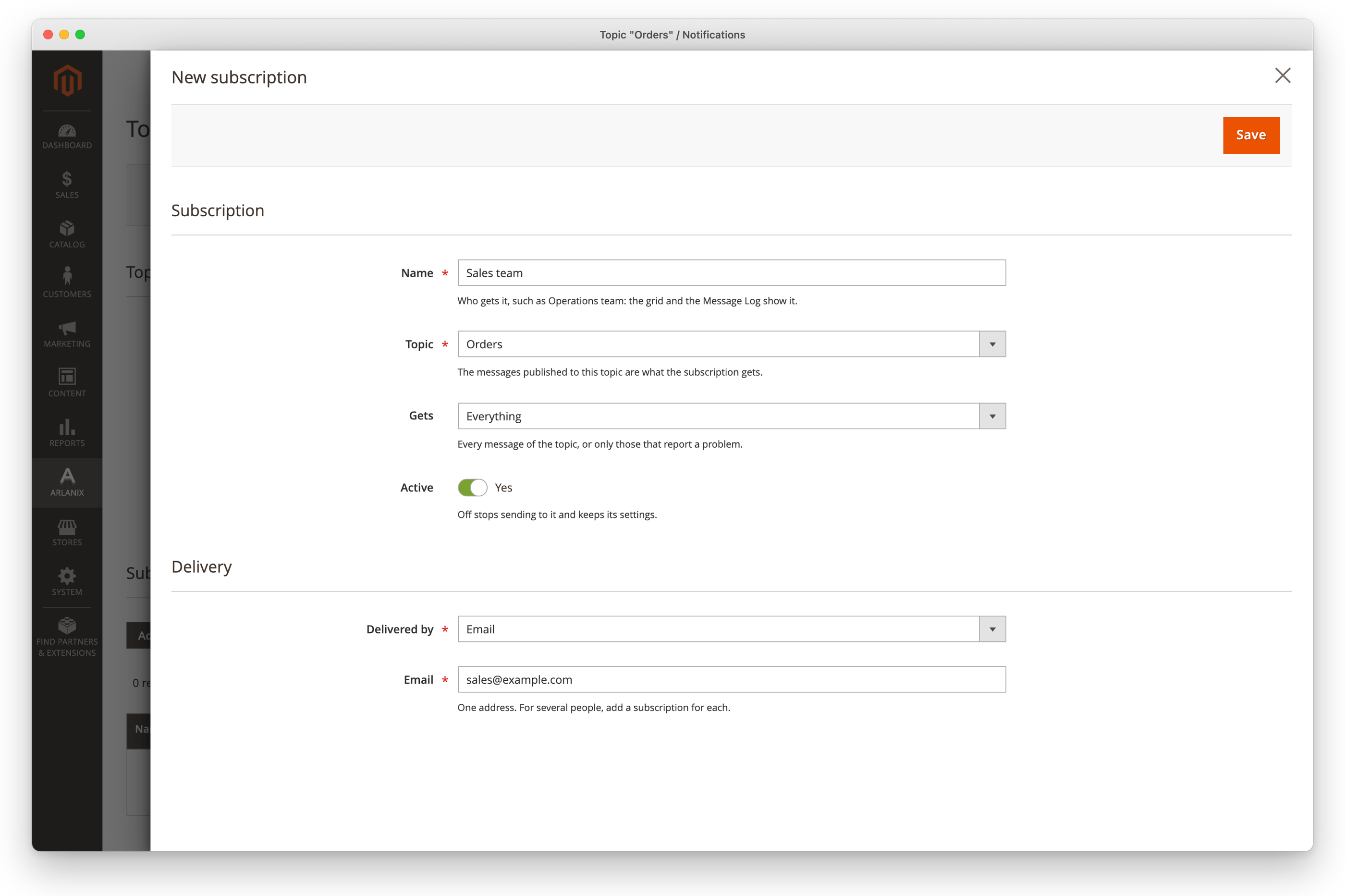
Click Add subscription. The subscription form opens in a panel over the page, on this topic.
Fill it in, as Subscriptions says, such as Sales team by Email to [email protected], and click Save in the panel.
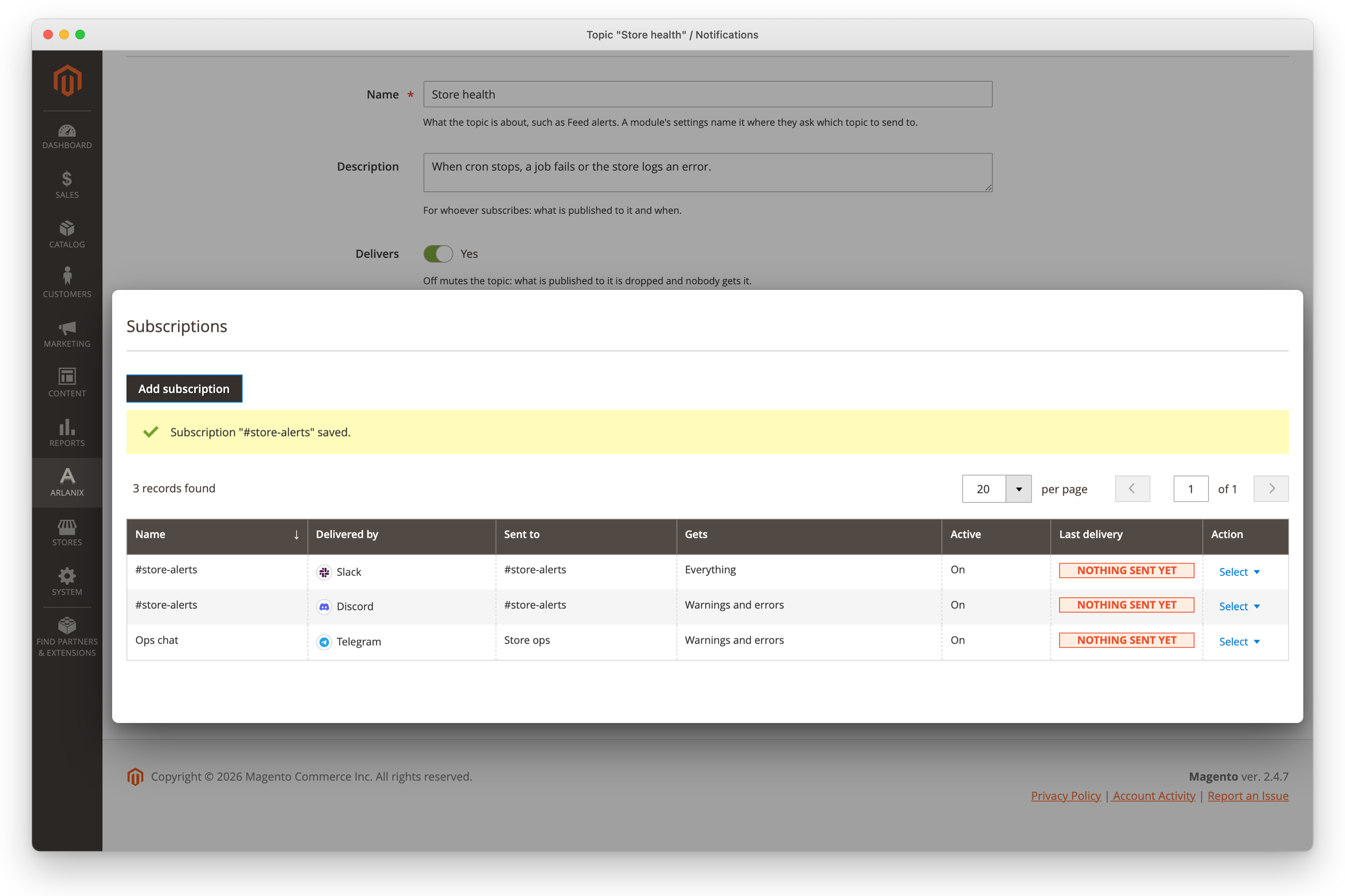
The panel closes, and the list shows the subscription.
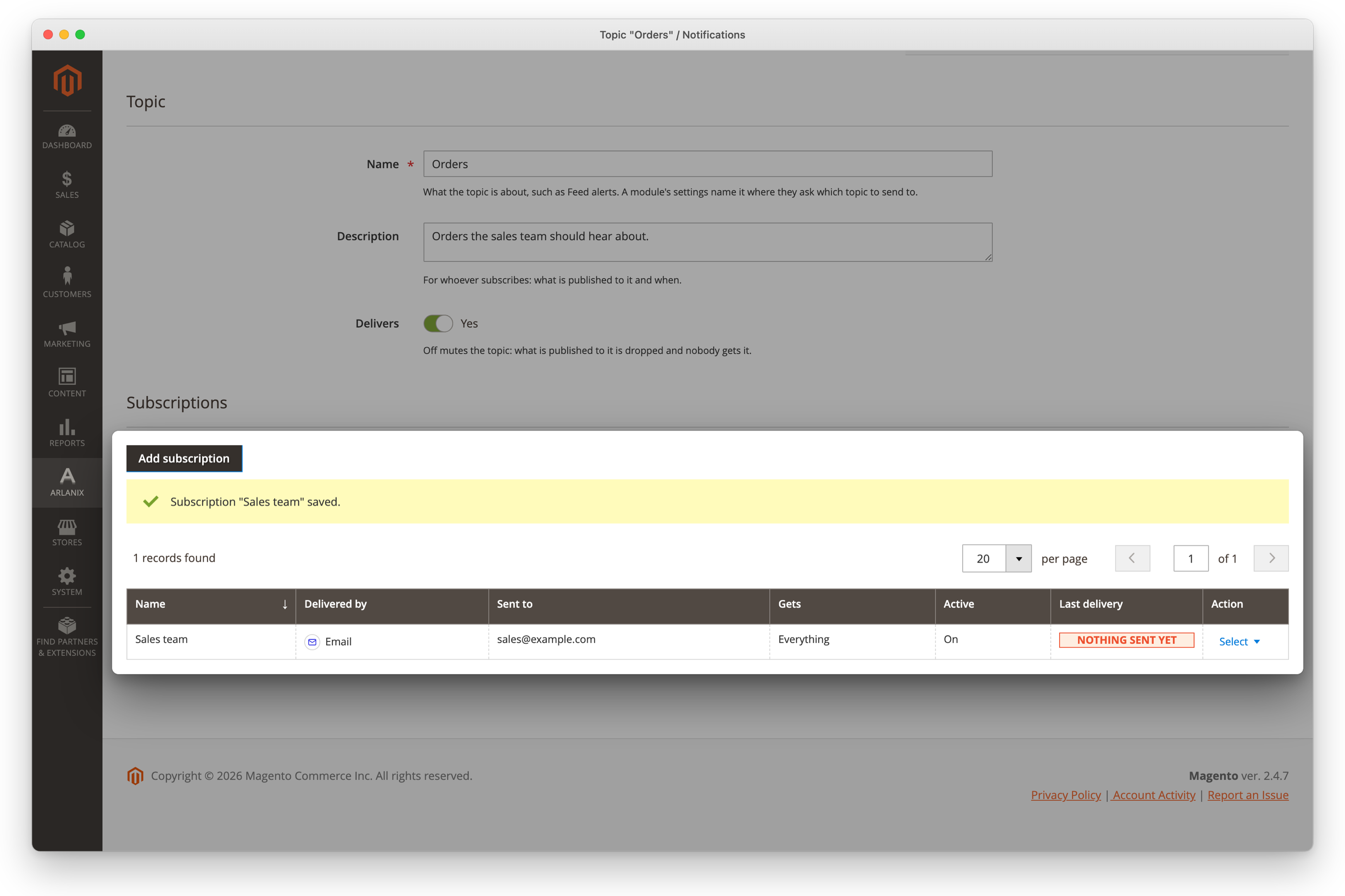
In a row, Select > Edit opens the subscription in the panel again, and Select > Send test message sends it a test: see Subscriptions. A refused save, such as a second subscription to the same address, says why at the top of the panel, which stays open. A topic not saved yet has no list: save it first.
Try it
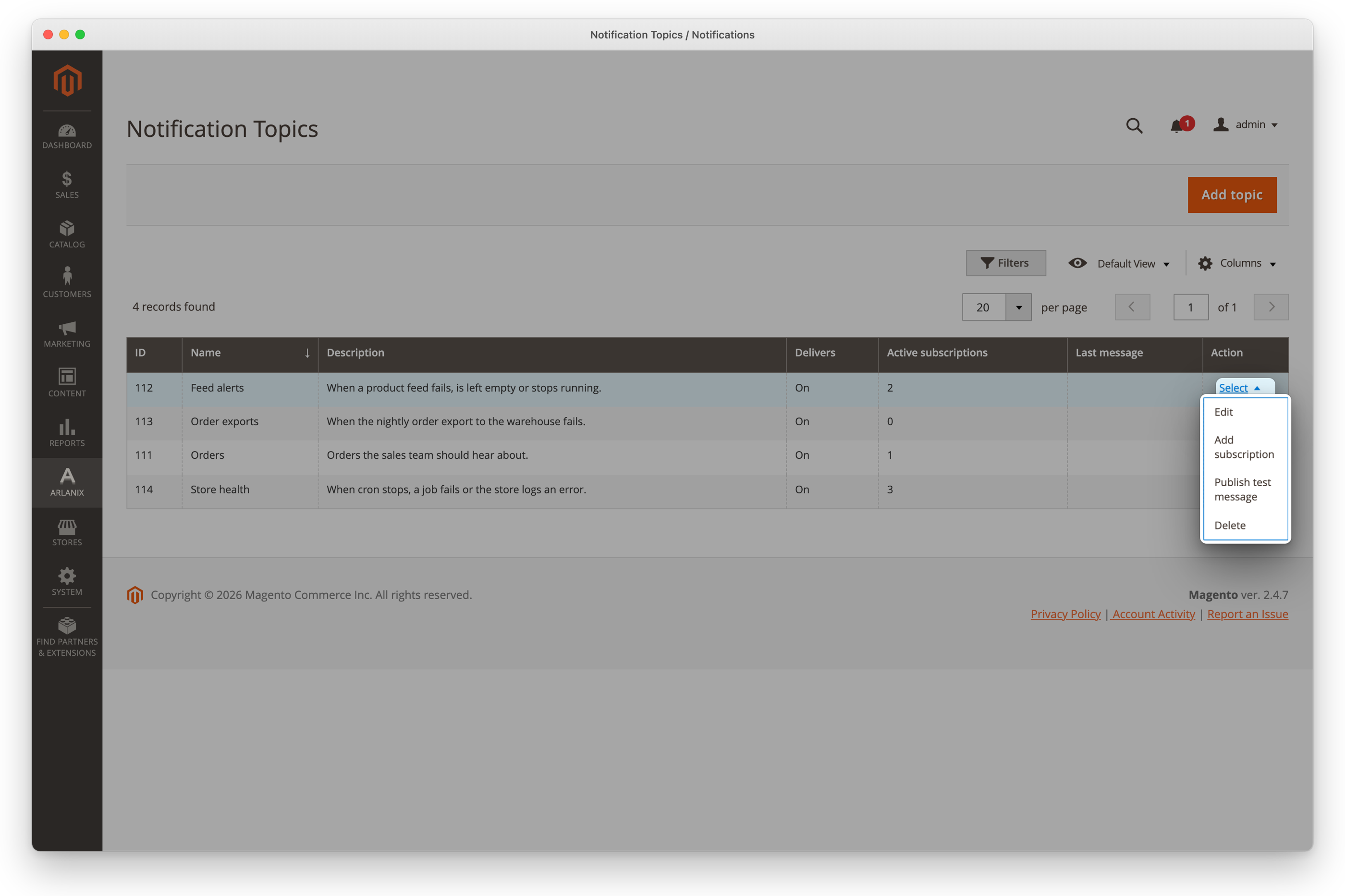
Publish test message publishes a message as a module would: it goes into the Message Log and to every subscription of the topic that takes everything, within a minute or so.
In the topic's row, click Select, then Publish test message.
Click OK to publish it.
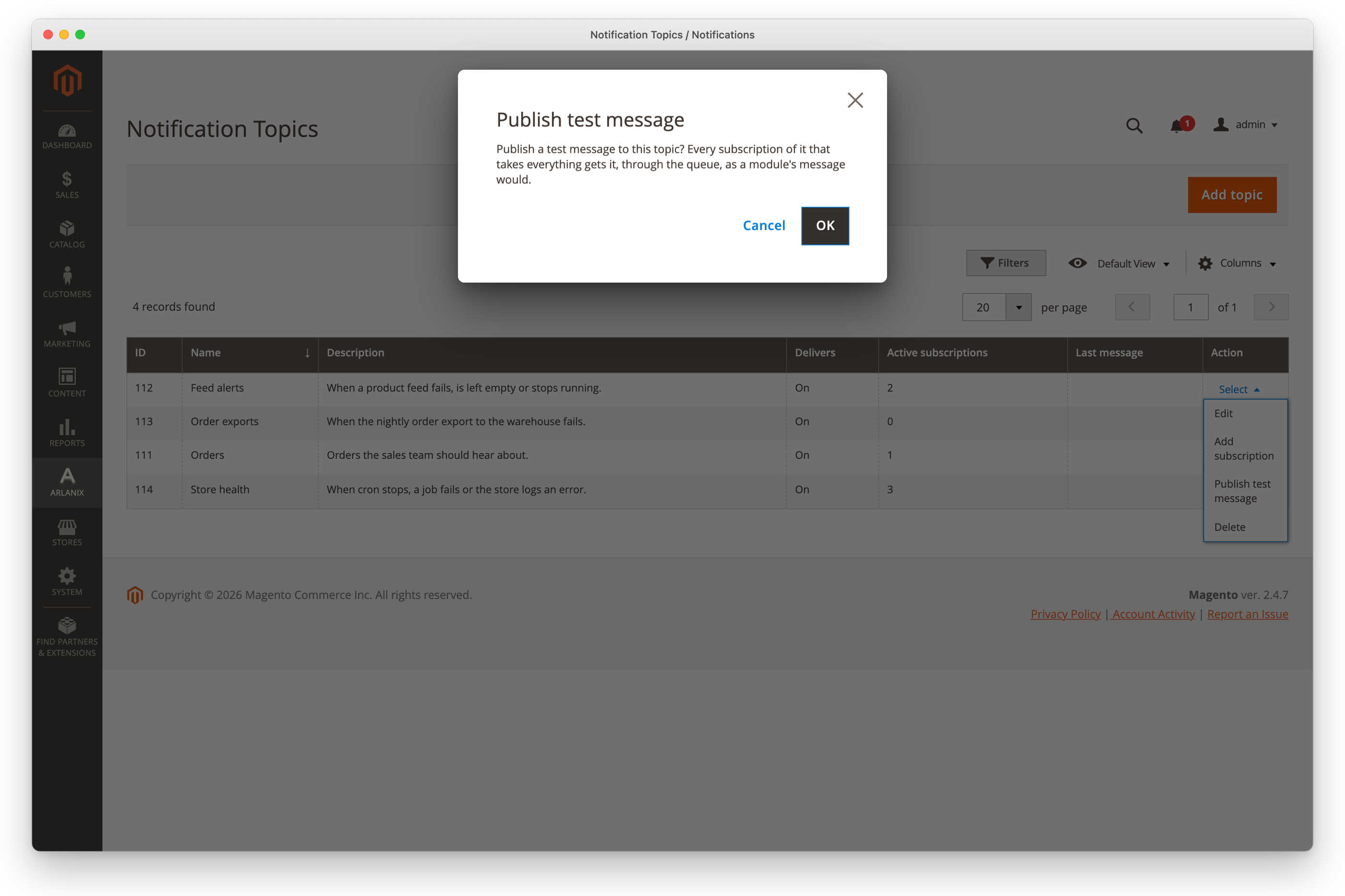
A subscription that takes only warnings and errors does not get the test, which is informational. To test one subscription on its own, use its Send test message: see Subscriptions.
Mute a topic
In the topic's row, click Select, then Edit.
Switch Delivers off, and click Save.
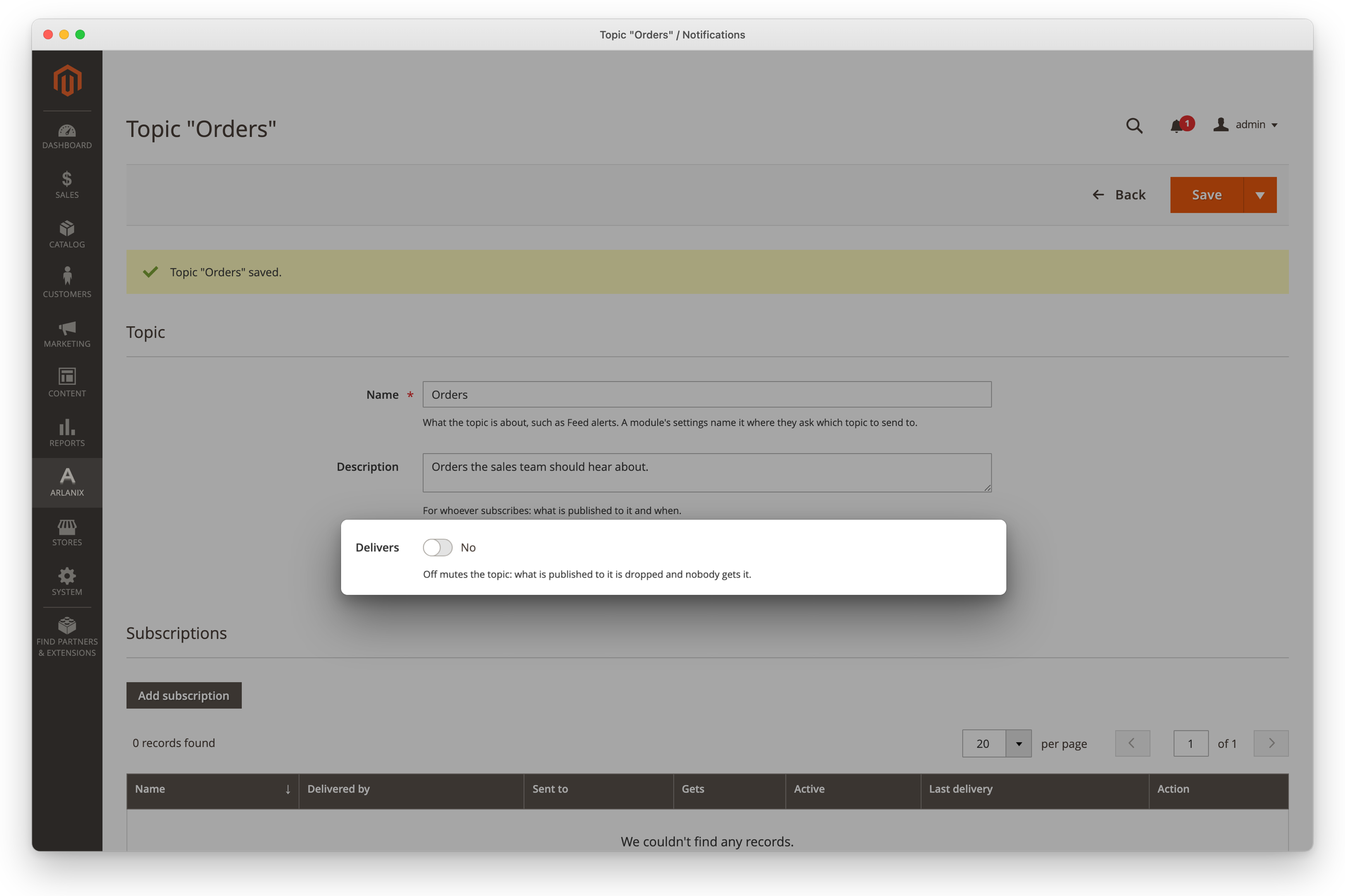
What is published to it is dropped, and no subscription gets it. Switch it on again to resume; nothing published in between is sent.
Delete a topic
In the topic's row, click Select, then Delete.
The confirmation says what goes with it. Click OK.
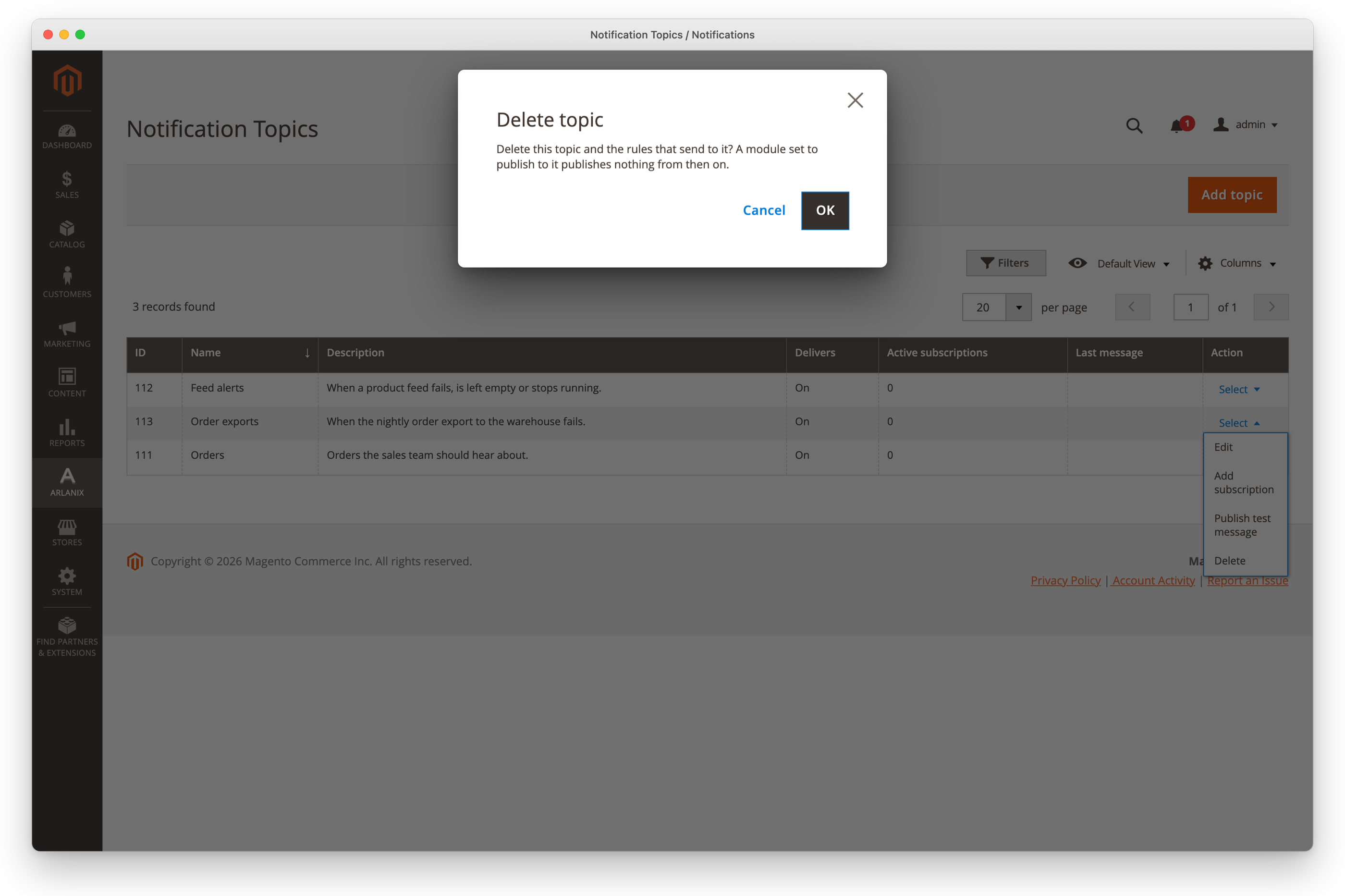
Its subscriptions and rules go with it. Its messages stay in the Message Log.