For arlanix/notification 1.0.0
Subscriptions
A subscription takes the messages of one topic to one address: an email address, a Telegram chat, or a Slack or Discord channel. To send a topic's messages to three people, make three subscriptions. A topic takes one subscription per address.
Open Subscriptions
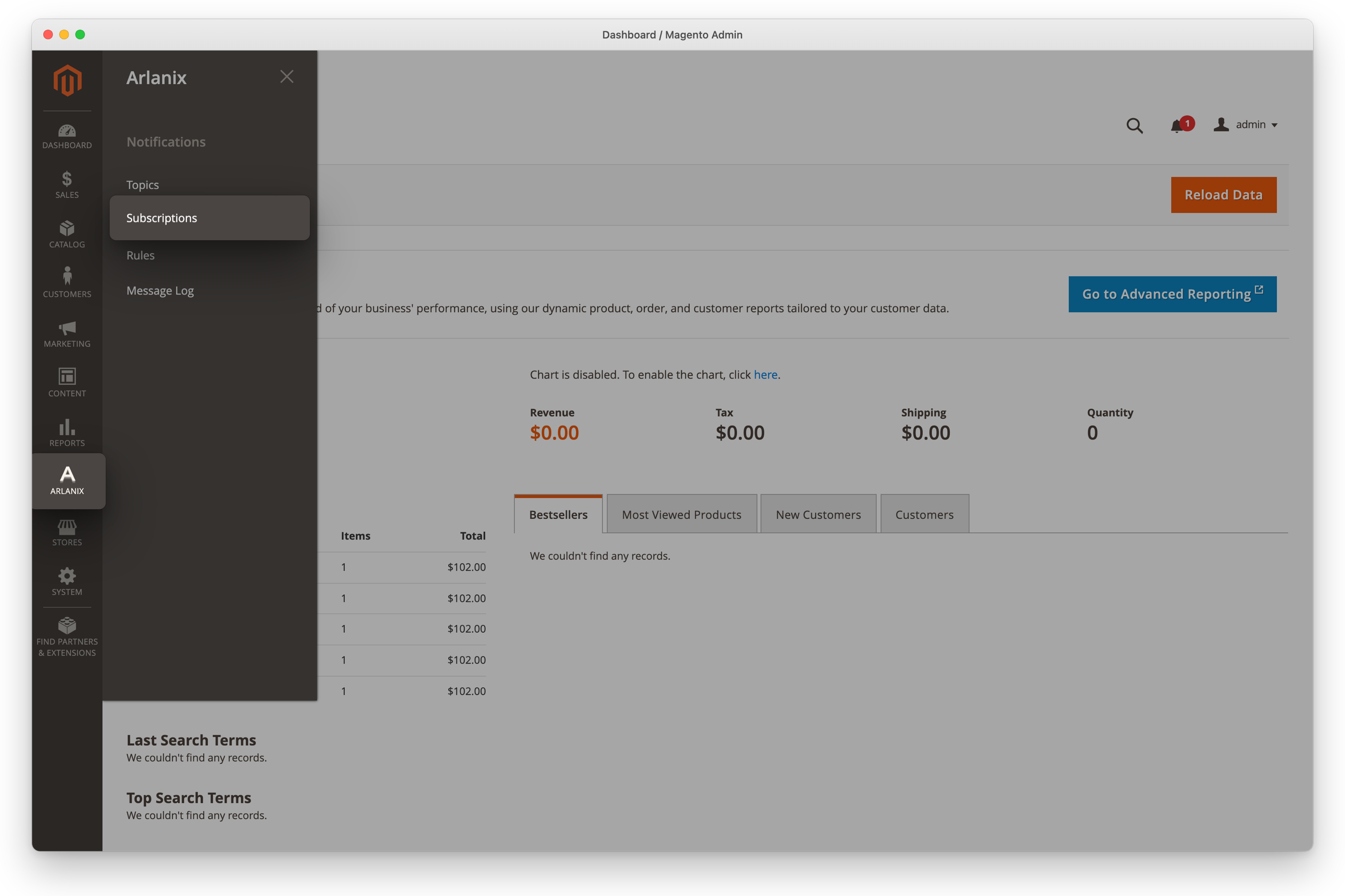
Click Arlanix in the admin's menu, then Subscriptions under Notifications. Each topic's subscriptions are also on its page.
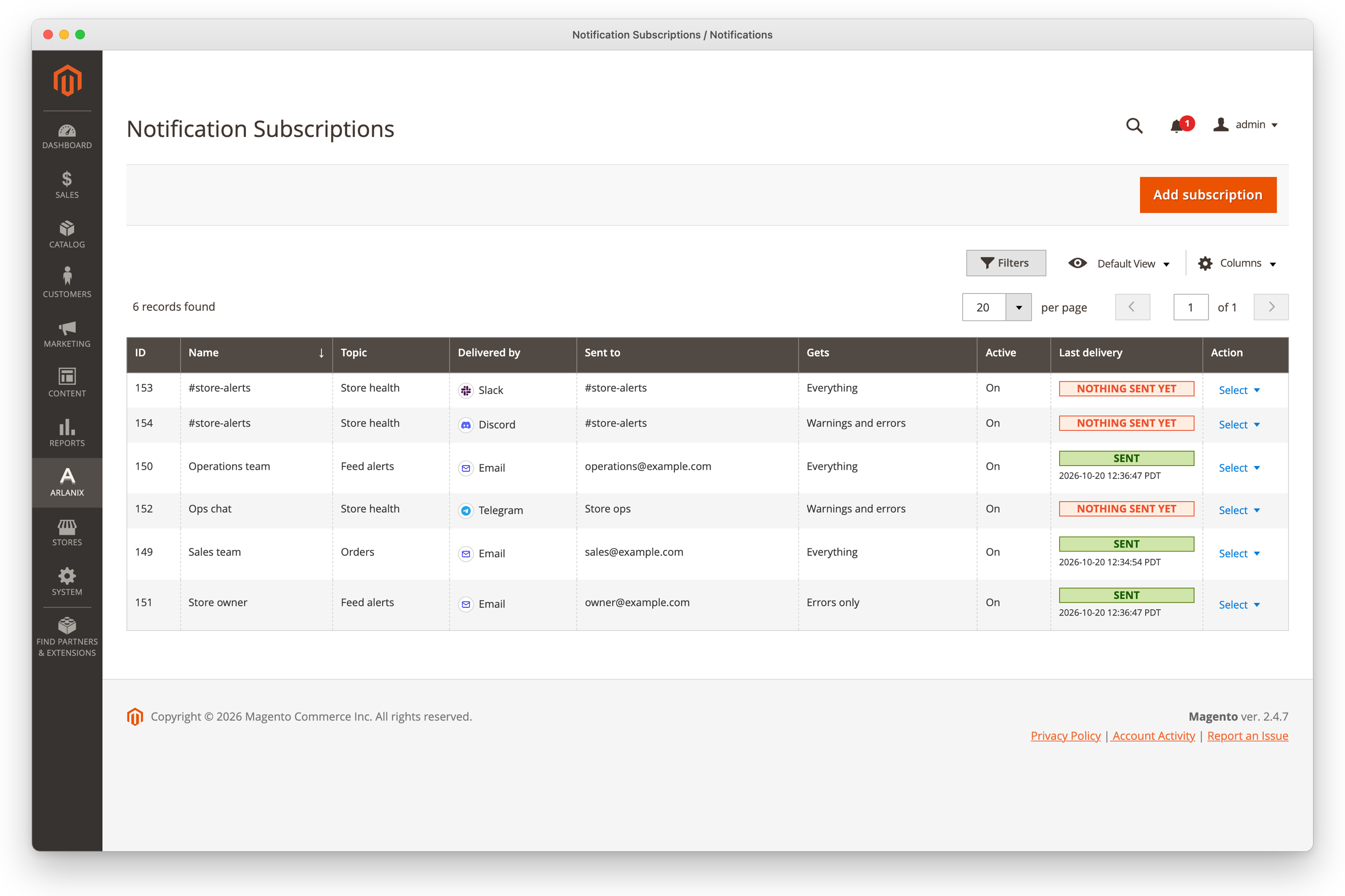
The grid lists every subscription: its topic, how it is delivered, where to, which messages it gets and how its last delivery went.
Subscribe someone
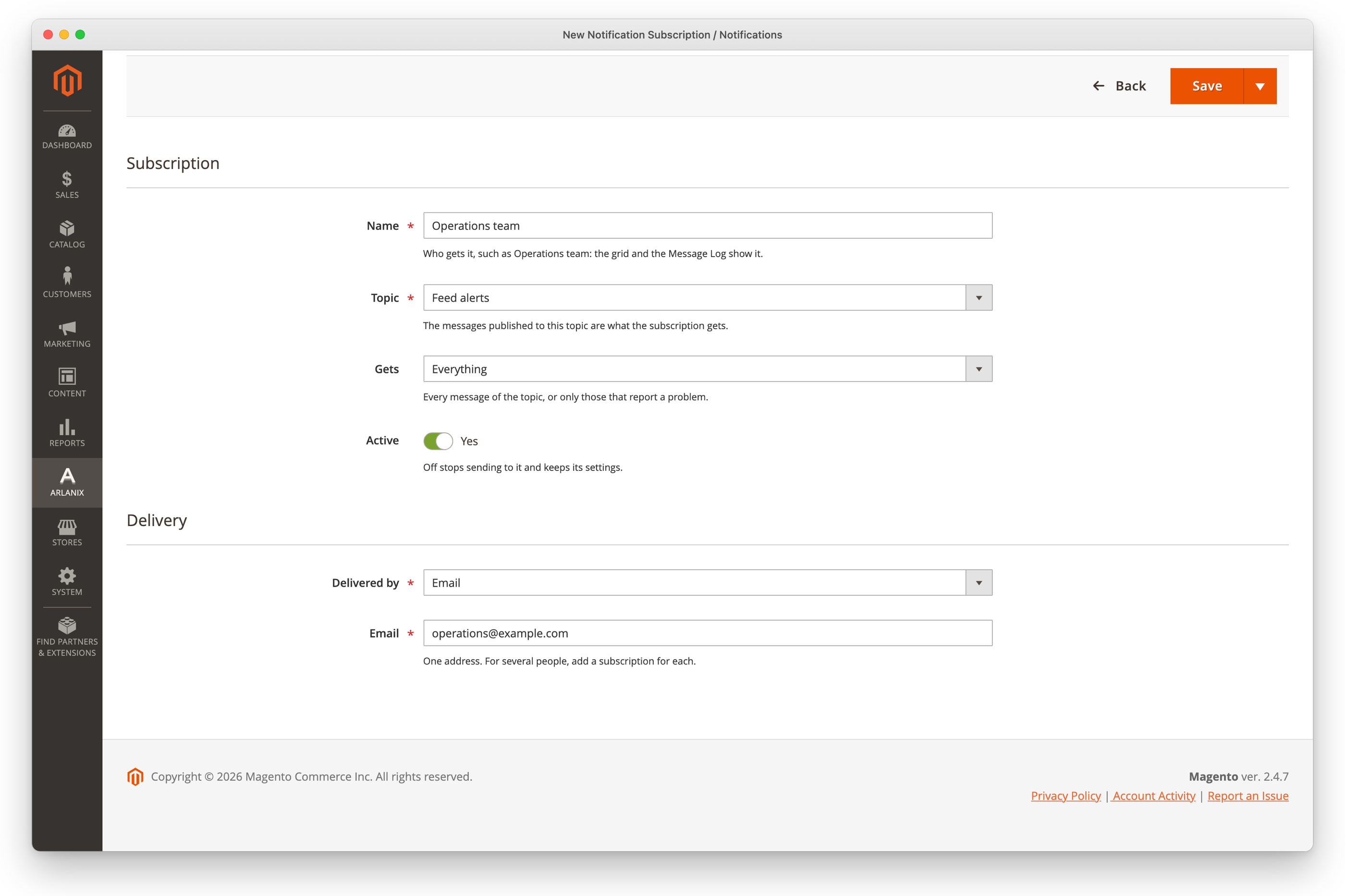
Below, Operations team gets every message of Feed alerts by email.
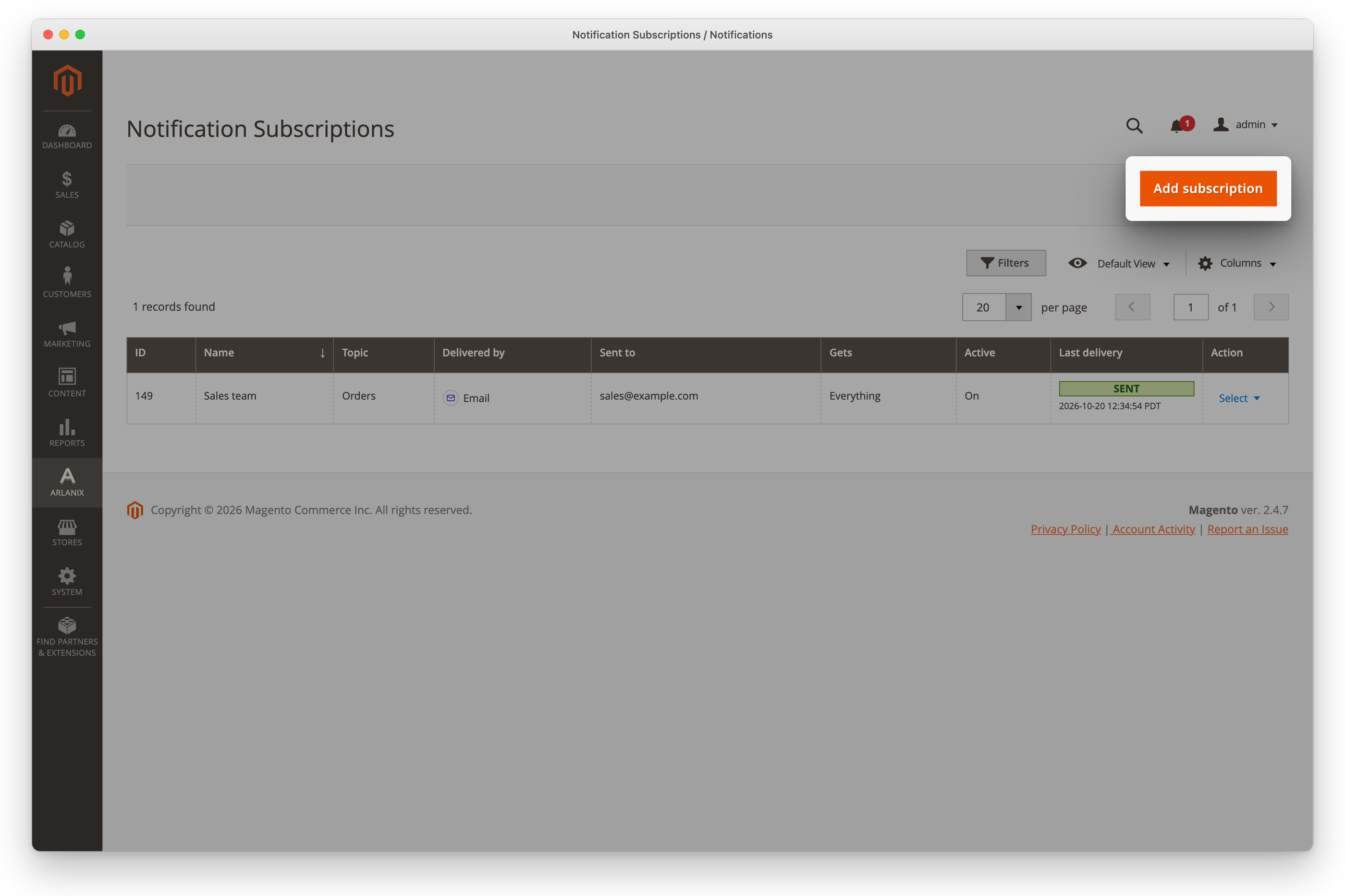
Click Add subscription. On a topic's page, its own Add subscription opens the form in a panel, on that topic.
Fill in the form:
- Name: who gets it, such as Operations team. The grid and the Message Log show it.
- Topic: Feed alerts.
- Gets: which of the topic's messages: Everything, test messages included; Warnings and errors, what reports a problem; or Errors only, what failed.
- Delivered by: how, and where to: Email and one Email address, such as [email protected].
The other ways have pages of their own: Email, Telegram (a chat, which Find chats finds), Slack and Discord (a channel's webhook). Delivered by lists what your developer installed: each is a module of its own.
Click the arrow beside Save, then Save & Close. The grid says Subscription "Operations team" saved. and lists it. Messages published to Feed alerts go to the address from then on.
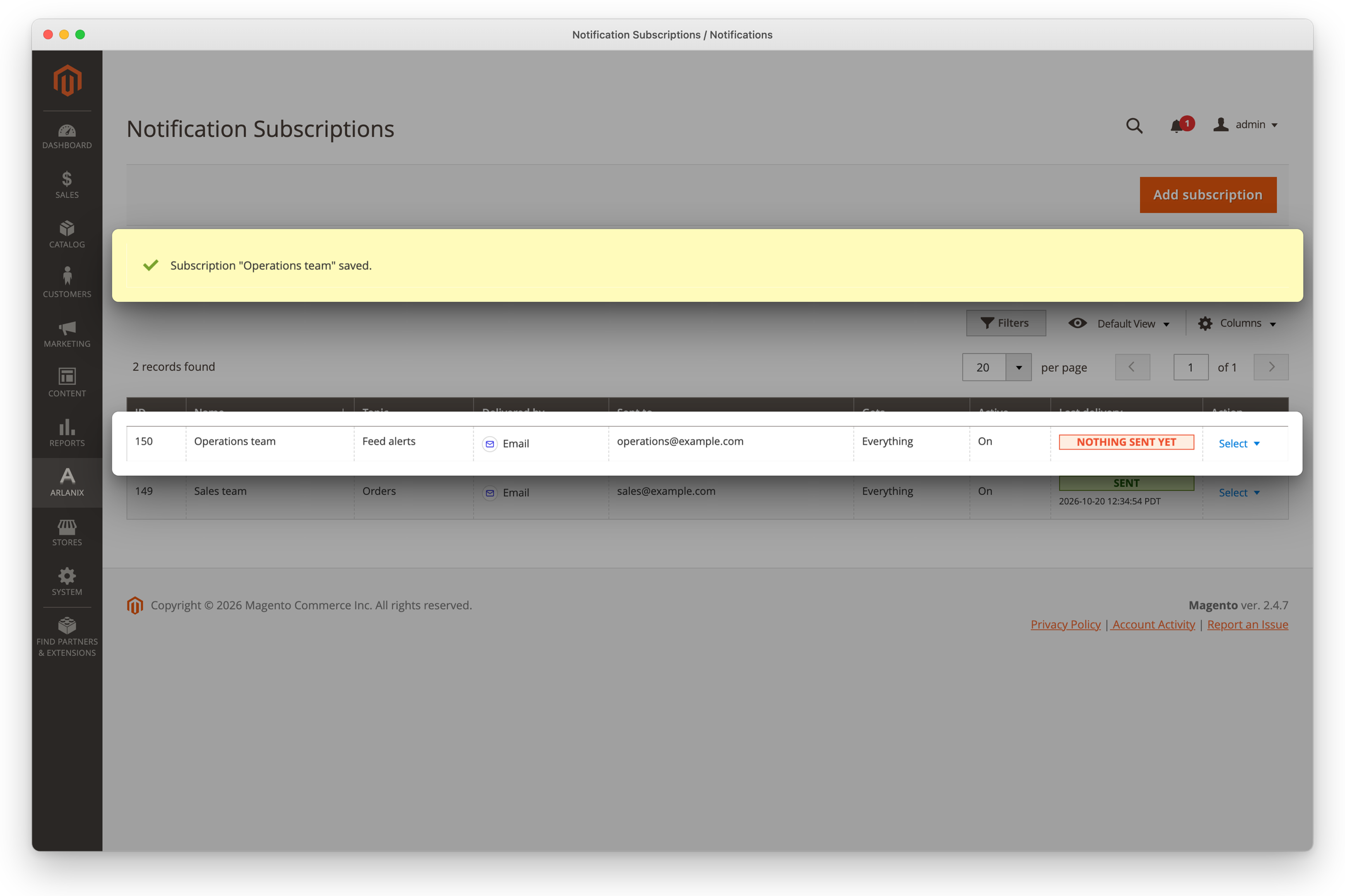
Send a test to check the address, as below: a mistyped one gets nothing, and the test shows it.
Send a test
Send test message sends one message straight to a subscription, now, past the queue and the log, whether the subscription is on or off.
In the subscription's row, click Select, then Send test message. On a topic's page, the rows of its list have it too.
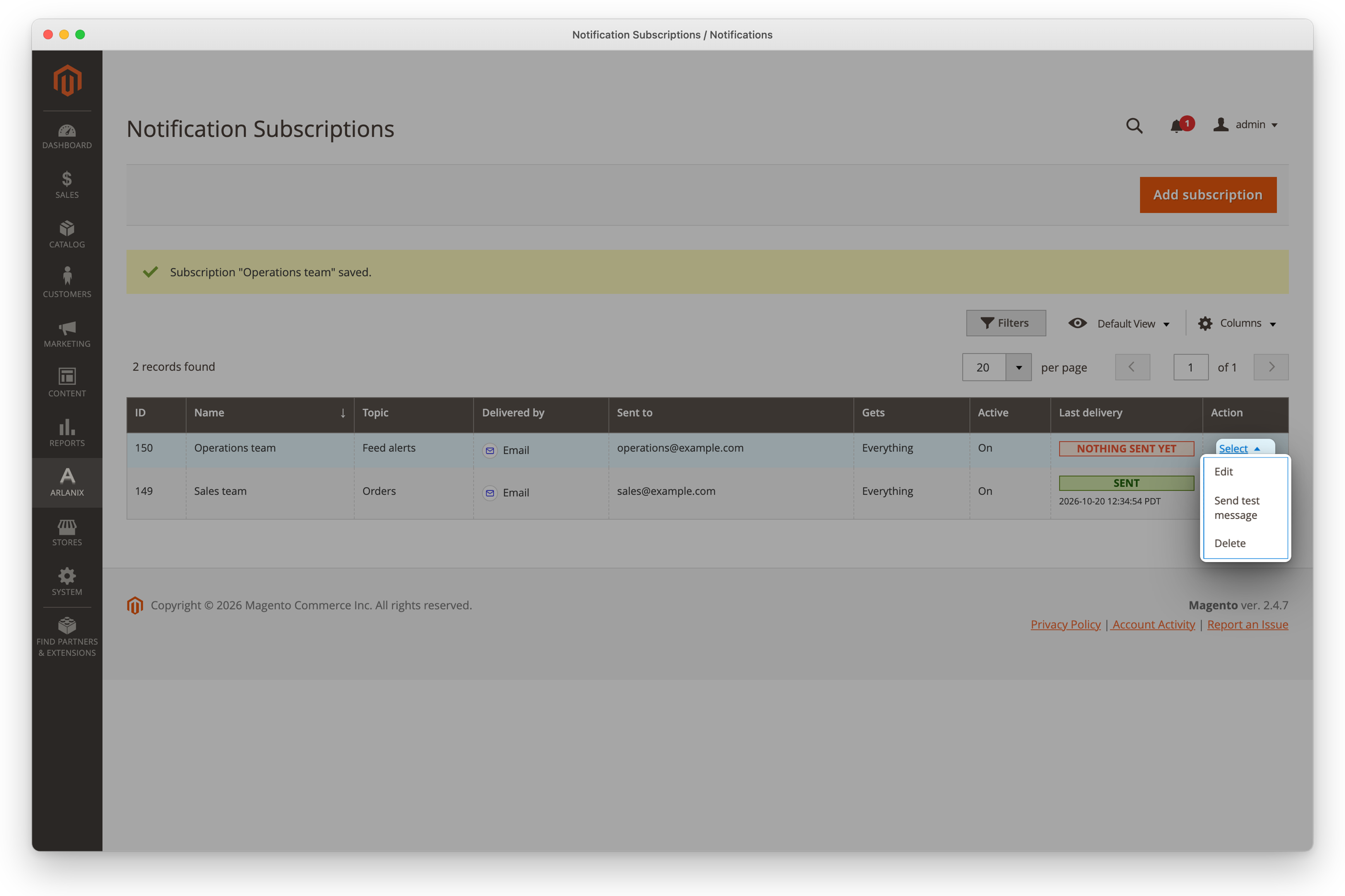
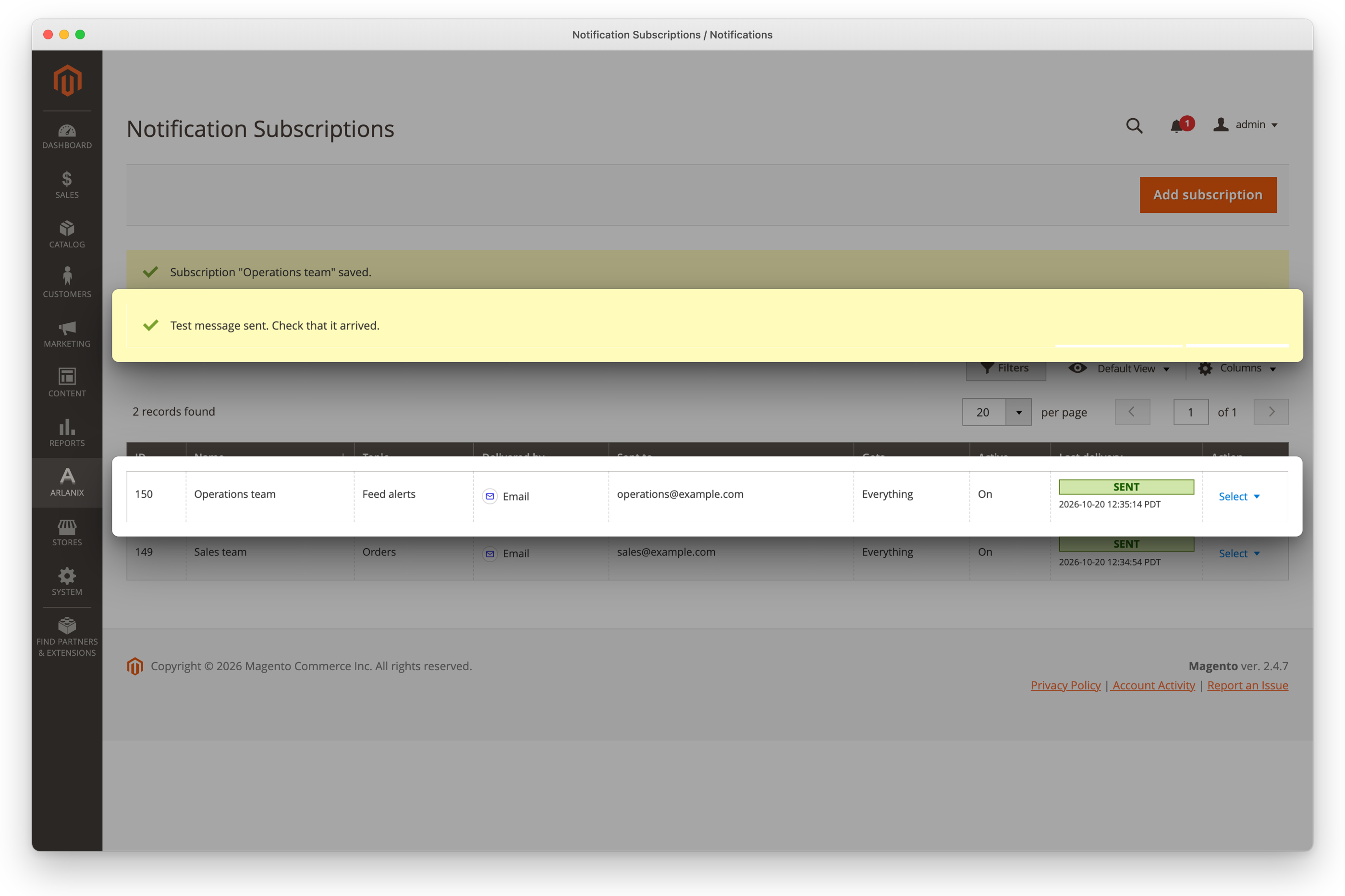
Above the grid, the store says whether it went, or what the mail server, Telegram, Slack or Discord answered. The row's Last delivery shows it.
Send test message is also on the subscription's form, under Delivery. While you edit where it is delivered, it gives way to a line that says to save first: a test goes to the address as saved.
Switch it off, or delete it
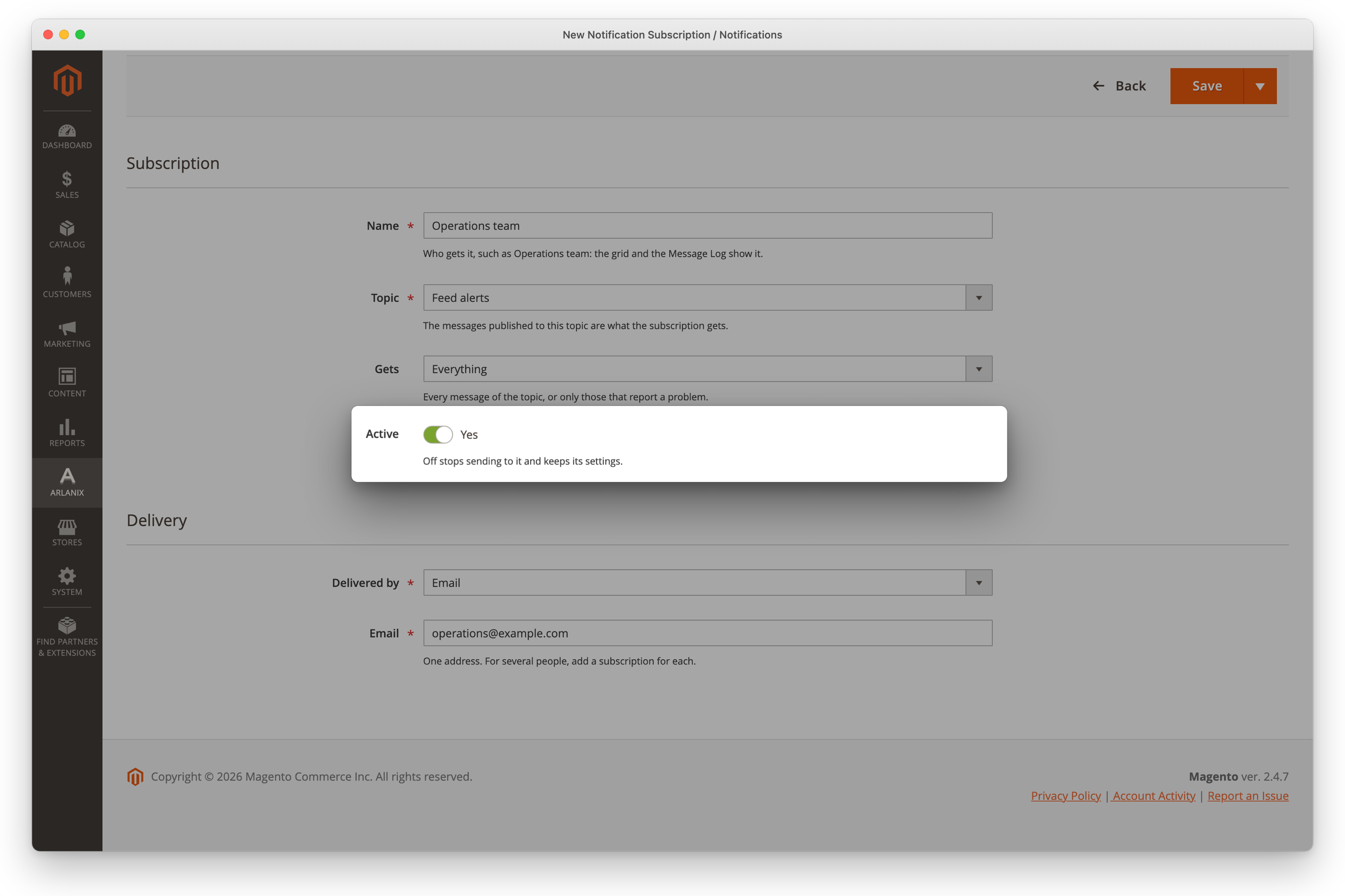
Active off, on the subscription's form, stops sending to it and keeps everything else. Save.
Select > Delete in its row removes it, after asking. What was sent to it stays in the Message Log.