Automatic retries
A failed delivery retries with increasing delays.
Arlanix Product Feed · Magento 2
Your catalogue is the source. Google, Meta and TikTok are just the beginning. Build the connection from your Magento admin.
$99One-time purchase on Adobe Commerce Marketplace
Linen shirt, Travel backpack, Classic watch and Headphones go to Product Feed to filter, map and schedule a feed for four groups: Google Shopping; Meta with Facebook and Instagram; Social with TikTok, Pinterest and Snapchat; and Any channel with Microsoft and Any channel.
 Product Feed
 Google Shopping

 Meta


 Social

 Any channelGoogle Shopping
 MetaTikTokPinterestSnapchatMicrosoft
Check delivery health, review past runs and preview the data you send.
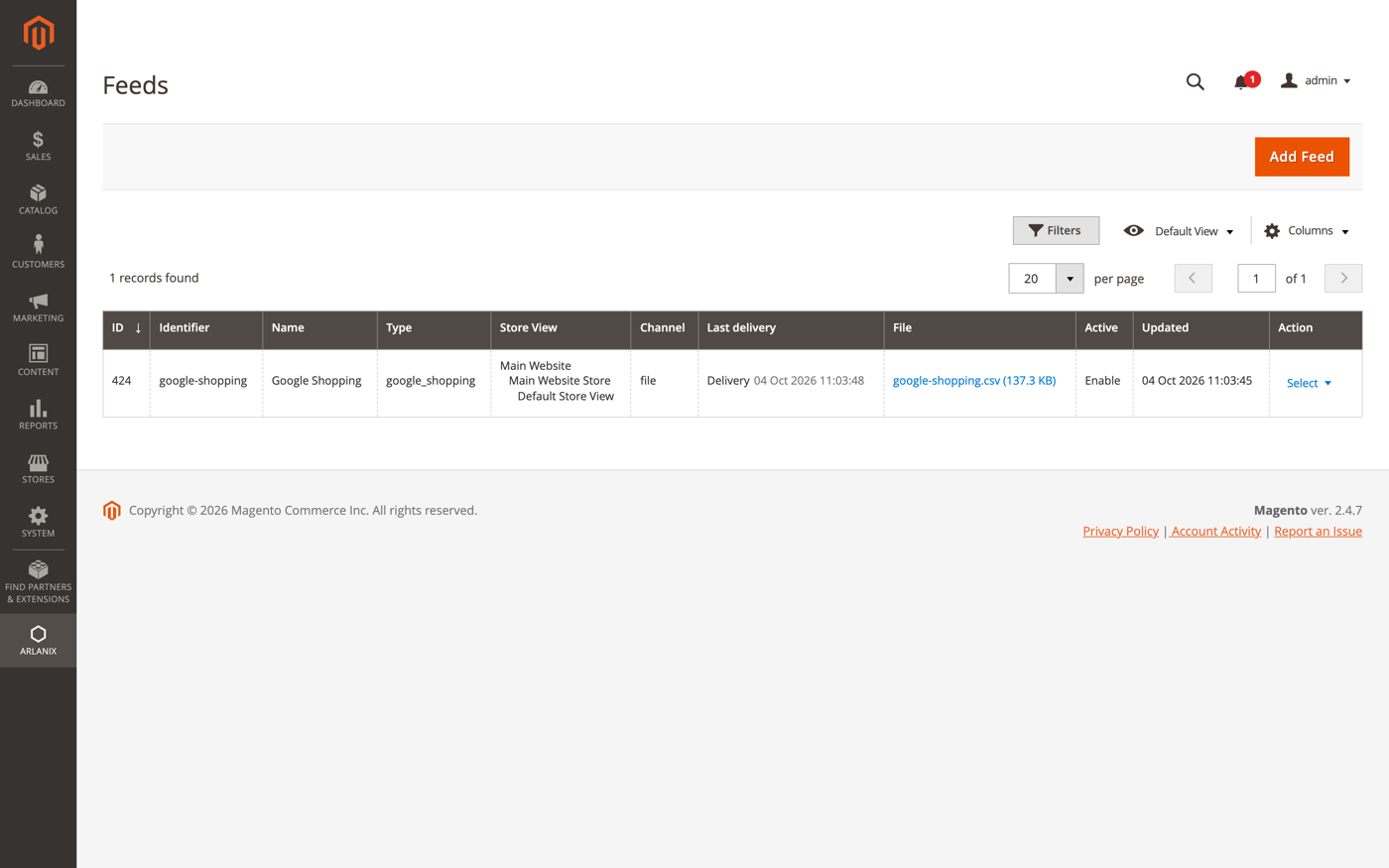
A URL, ready to fetch
Publish a CSV, TSV, XML, JSON or NDJSON file on your store. Give the platform its URL and choose a schedule.
See how to set it up →Straight to the server
Choose an SFTP connection and remote file name. The module builds the feed and uploads it on your schedule.
See how to set it up →Send what changed
Connect Merchant Center to send changed products directly. The module creates the data source and keeps track of each delivery.
See how to set it up →A failed delivery retries with increasing delays.
By default, an empty run keeps the previous output.
Add Multichannel Store Notifications, a separate module, for failure and recovery alerts.
Choose products, copy the mapping and publish a file for Google Shopping.
Create your first feed →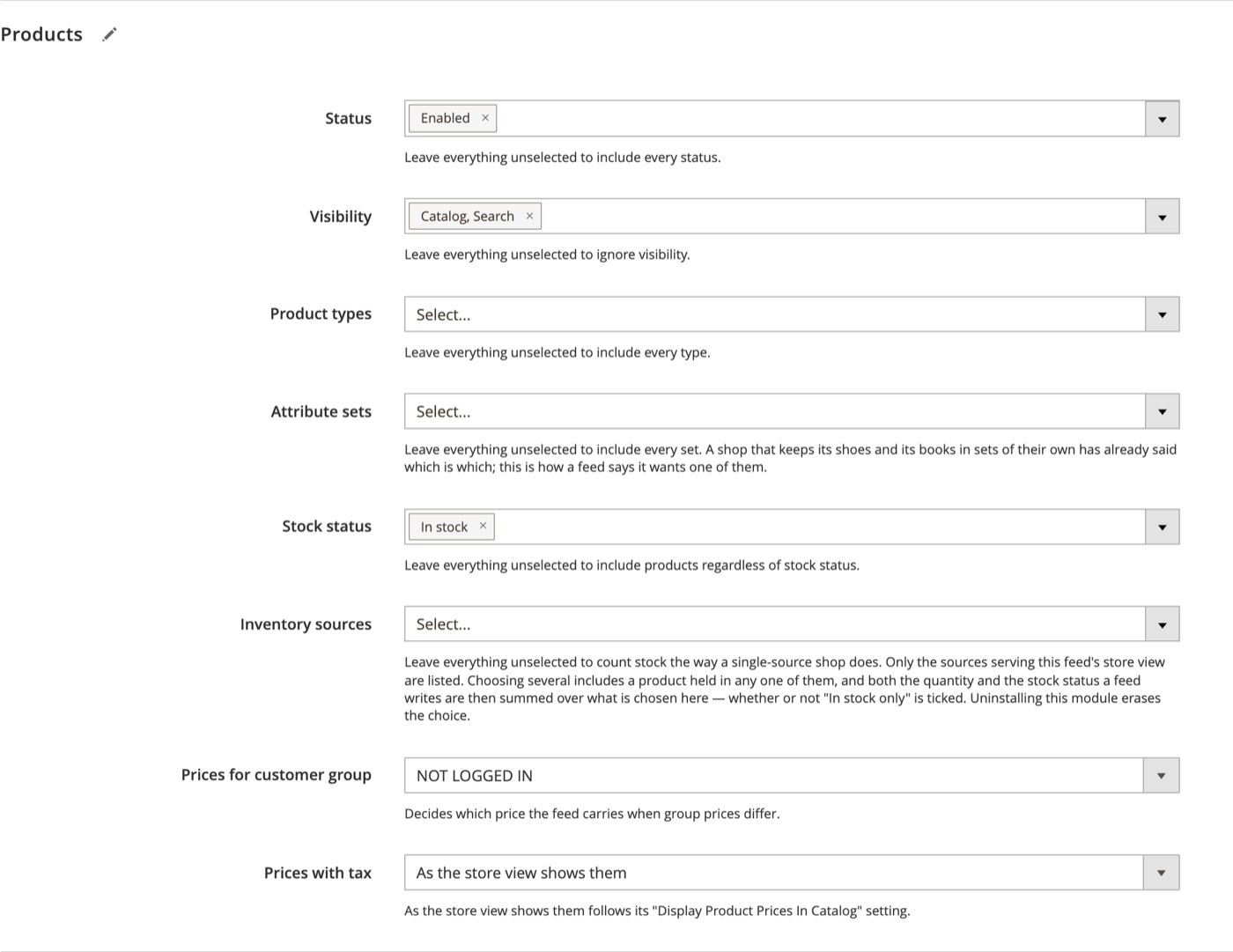
Only for the Merchant API. A file feed publishes a URL that Merchant Center can fetch without a Google Cloud key in Magento.
Yes. Set conditions on attributes and categories, choose a stock status and select the store view for each feed.
The feed retries automatically. Check Health and Run history for the cause. By default, an empty run keeps the previous output.
Start with your store
Magento Open Source 2.4.7+ · PHP 8.1–8.5
$99One-time purchase on Adobe Commerce Marketplace