For arlanix/notification 1.0.0
Arlanix Notifications manual
Arlanix Notifications tells people when something in the store needs them. A message is published to a topic, such as Feed alerts or Orders, and everyone subscribed to the topic gets it: by email, in Telegram, in Slack or in Discord.
Messages come from the rules you make. A rule publishes when something happens in the store: an order over $100, a refund, a review to moderate, a failed admin sign-in, a stopped cron, a product feed that fails. The events come with the modules: the store's own with the store events and monitoring, a product feed's with Arlanix Product Feed.
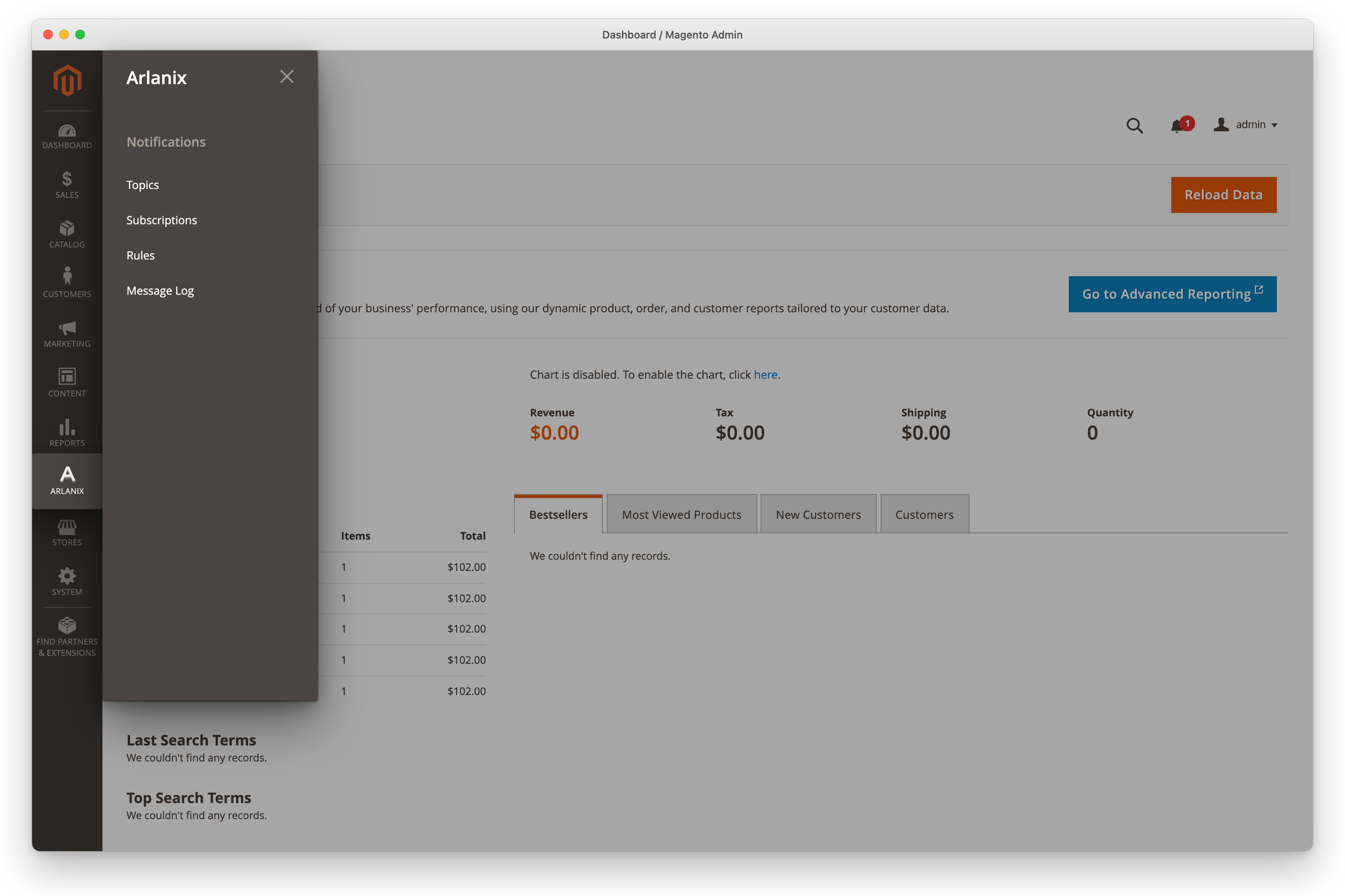
Everything is set up in the admin, under Arlanix > Notifications, without code.
How it goes
- Your developer installs the modules you need. Send them the documentation; Before you start lists what to ask for.
- You make a topic for what to hear about, such as Orders.
- On the topic's page, you subscribe the people who should hear about it, an email address, a Telegram chat, a Slack or a Discord channel each, and send each a test.
- You point a rule at the topic: it sends a store event there, such as an order of $100 or more, or a feed that fails.
- When it happens, every subscriber gets it within a minute or so. Several messages at once arrive as one digest.
Your first rule takes you through steps 2 to 4.
What it does
- A topic is what a message is about, so the same things always go to the same people.
- A subscription takes a topic's messages to one address: every message, or only warnings and errors.
- A rule sends a store event to a topic when its conditions are met, worded as you like.
- Messages that arrive together go out together, up to 25 different messages in one email or chat message: thirty failed feeds make two emails, not thirty, and the same message repeated shows once with how many times it came.
- A delivery that fails is tried again, for about five hours: see When a delivery fails.
- The Message Log keeps every message, who it went to, and why one did not arrive.
Where to start
- To begin: Before you start, then Your first rule: a topic, a subscription and a rule, and how they fit together.
- To manage them: Topics, Subscriptions, Email, Telegram, Slack, Discord and the Message Log.
- To send what happens in the store: Rules, Rule examples, Monitoring and the Events they answer.
- To understand it: How a notification is delivered.
- To look something up: the screens and their fields and the Glossary.
- When something is wrong: Troubleshooting, then Get help.