For arlanix/notification 1.0.0
Message Log
The Message Log keeps every message published to a topic: when, by whom, and what became of it. A message a rule sent names it under Rule.
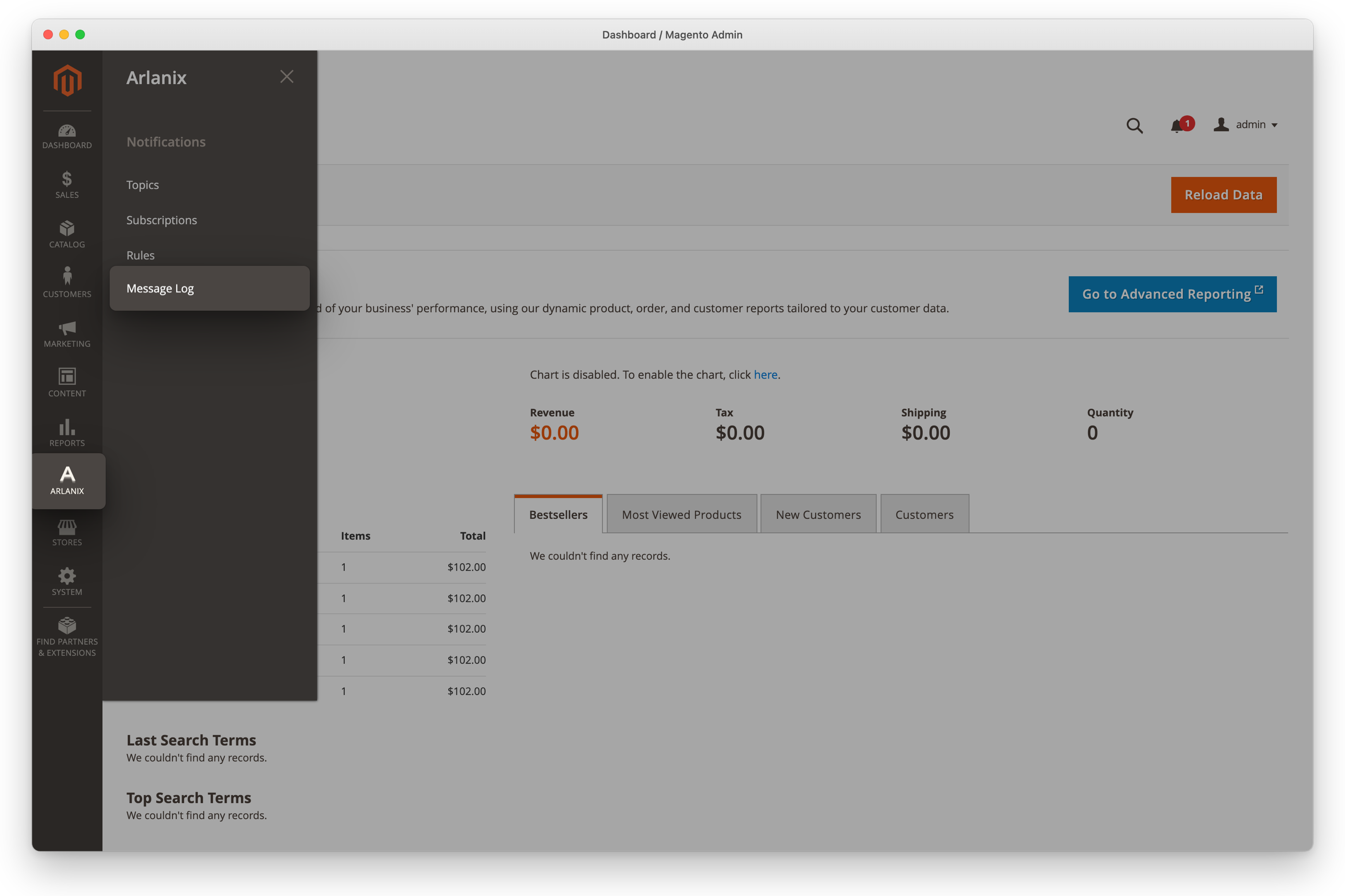
Open the Message Log
Click Arlanix in the admin's menu, then Message Log under Notifications.
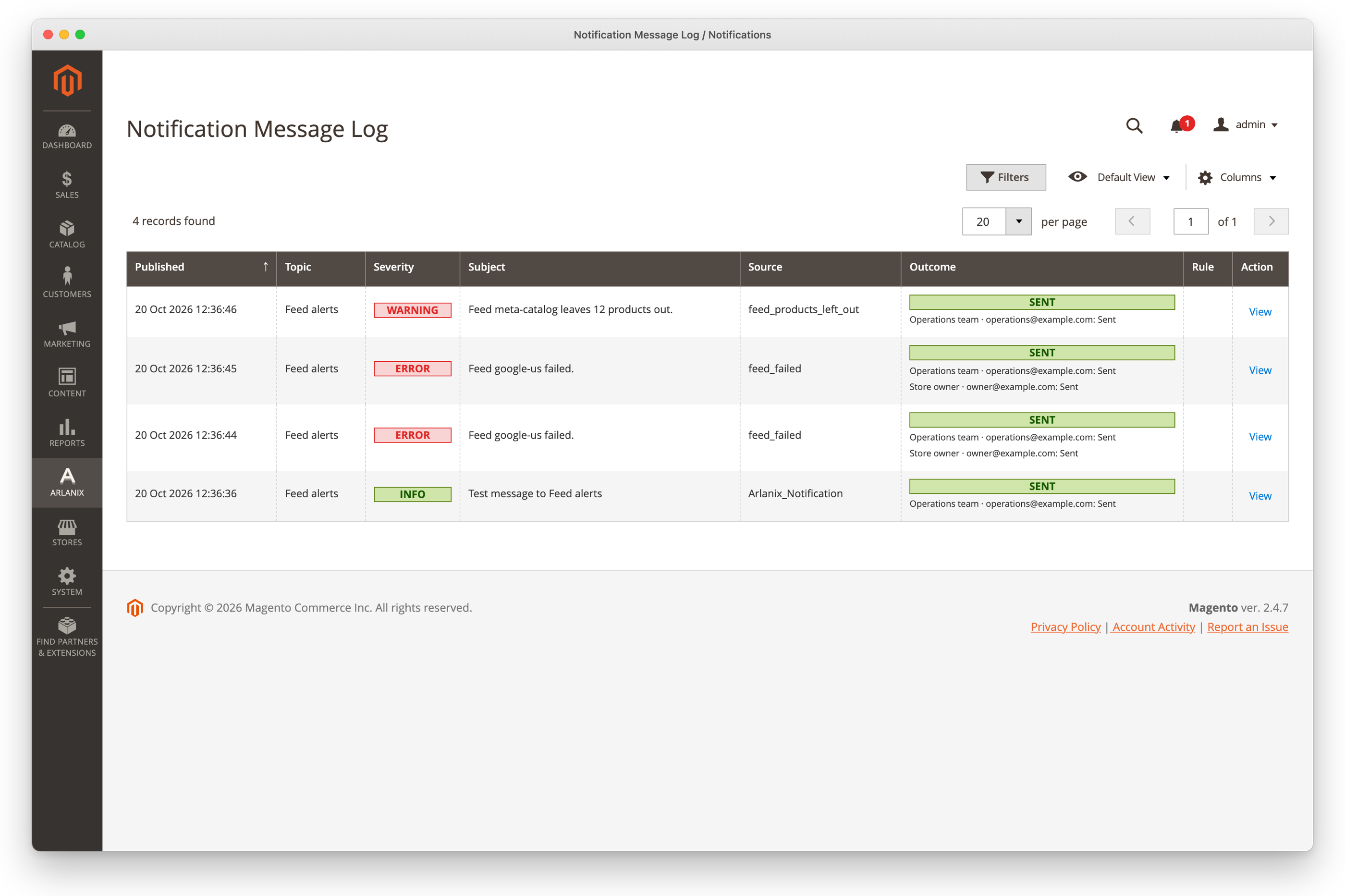
What became of a message
The Outcome column says it, and under it, where each delivery went:
- Sent: every subscription that takes it got it.
- On its way: a delivery is queued, being sent, or waiting to be tried again.
- Failed: a delivery had all its attempts and did not go.
- Skipped: its subscription was deleted or switched off before it went.
- No subscribers: no active subscription of the topic takes messages of its severity. The message is logged all the same.
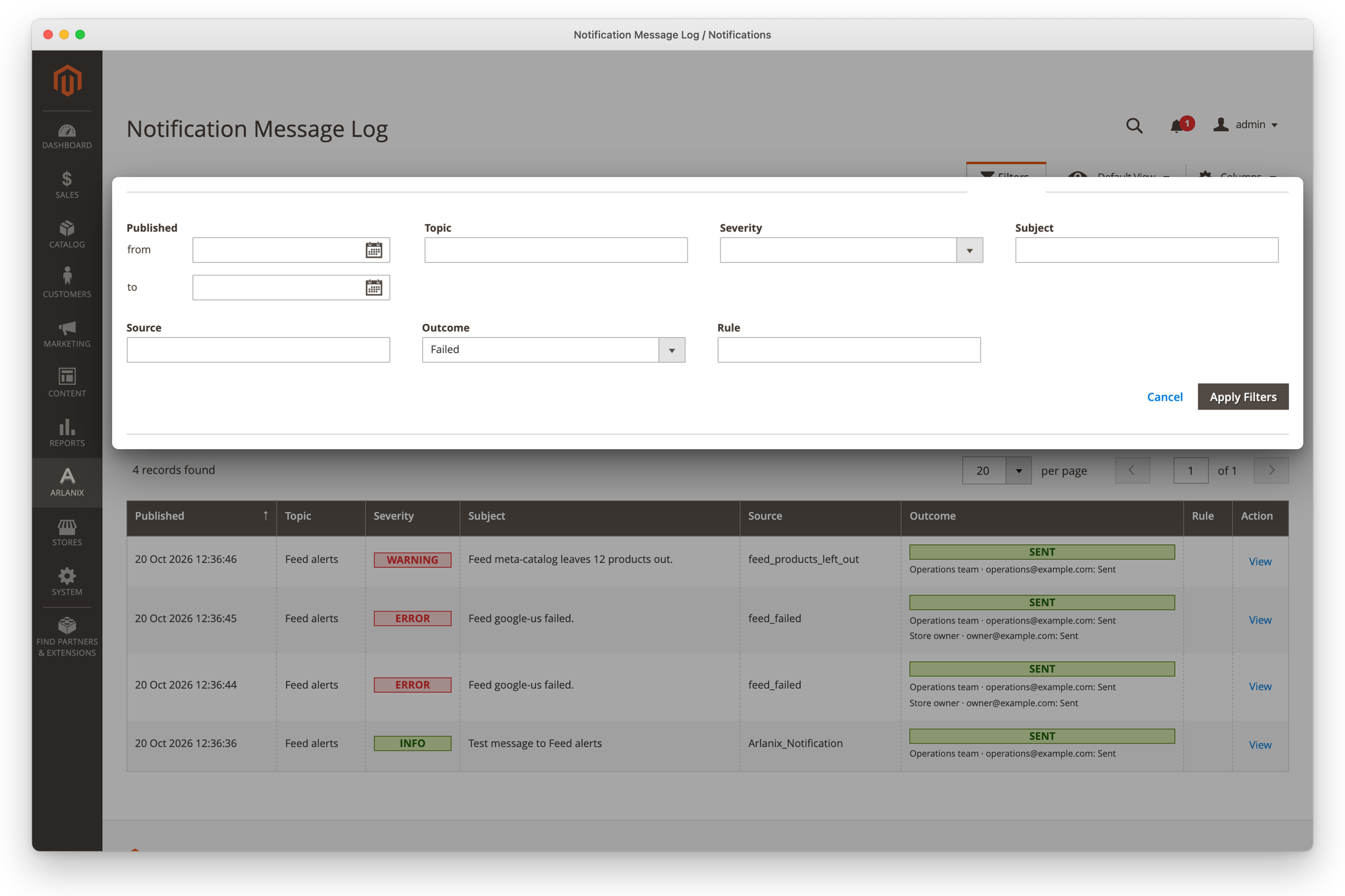
Find a message
Click Filters, choose or type what to narrow the log by, such as an Outcome of Failed or a Topic, and click Apply Filters. It narrows by when it was published, outcome, severity, topic, subject, source or rule.
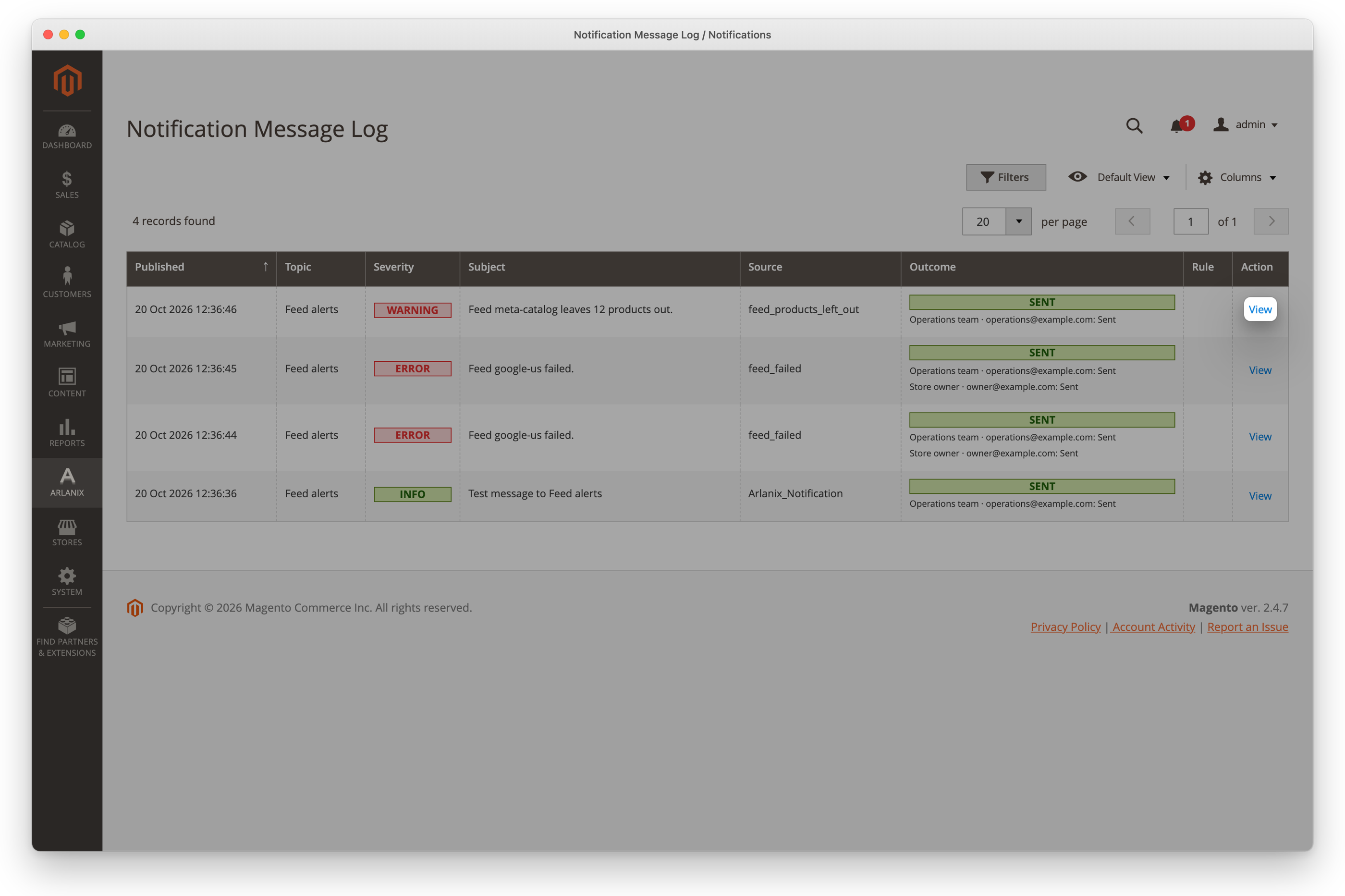
One message
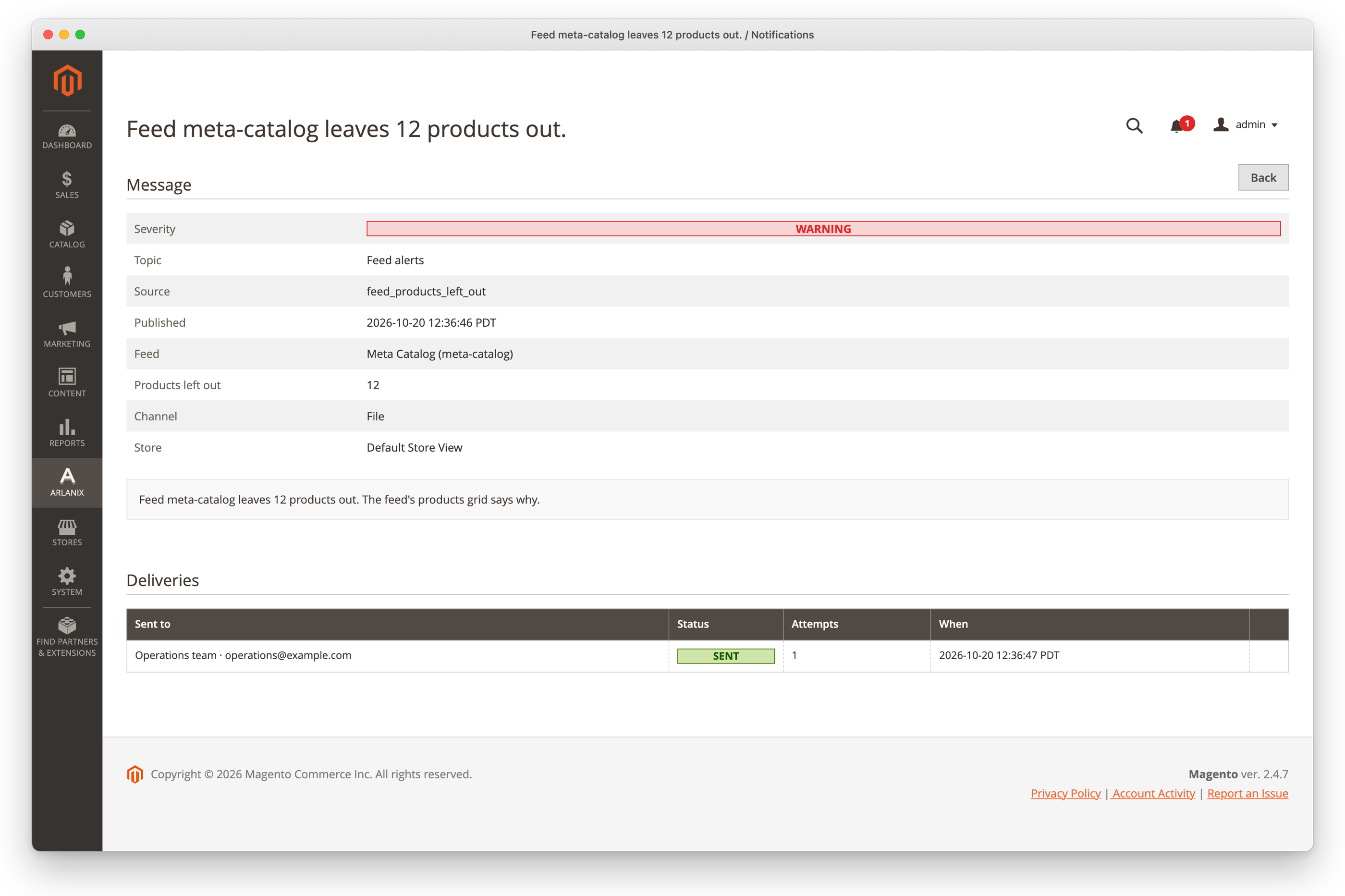
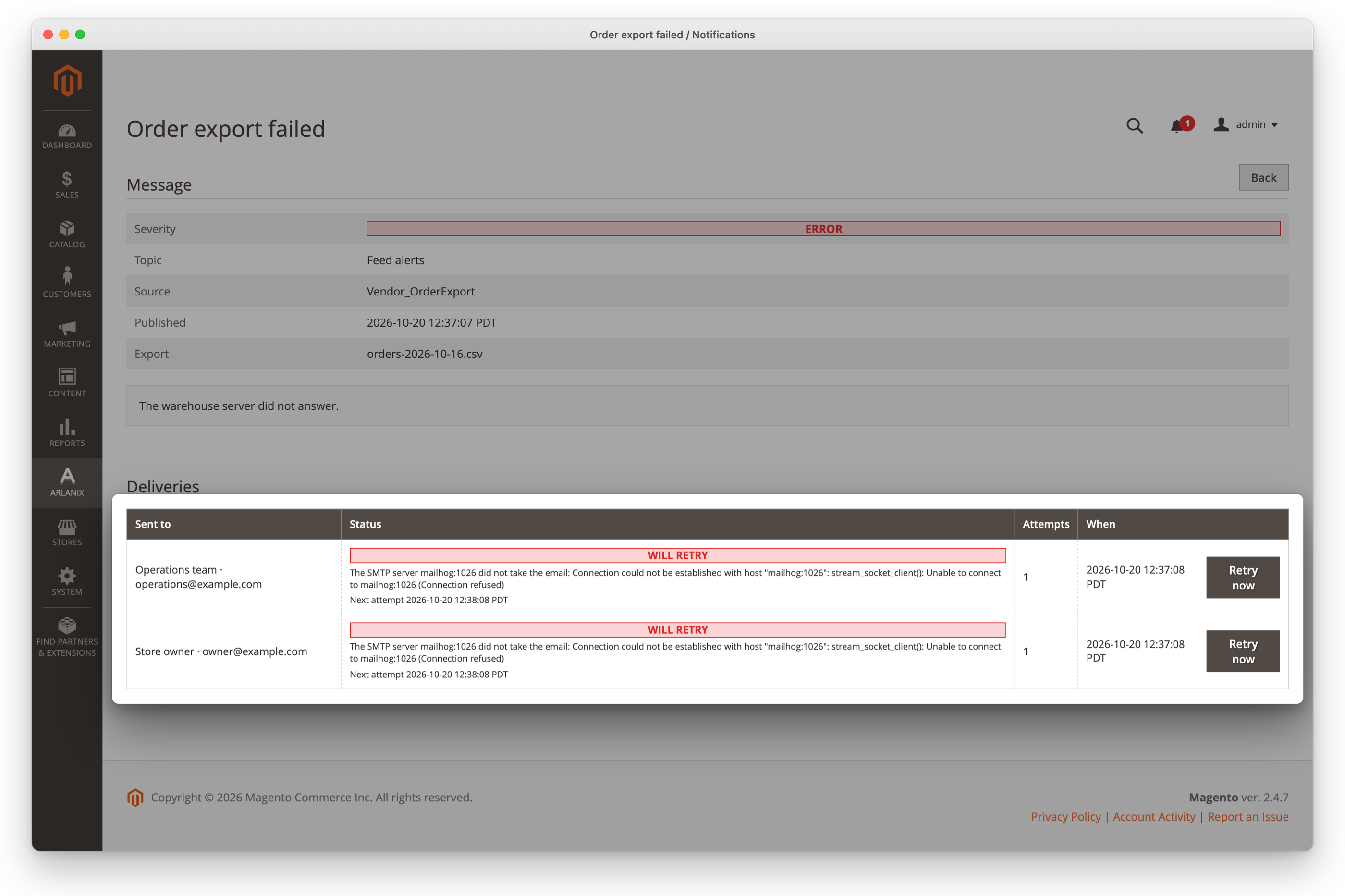
In the message's row, click View. Its page shows its text, the facts that came with it, the rule that sent it with a link to the rule, and each delivery with its status, attempts and, for one that failed, what the mail server, Telegram, Slack or Discord said.
Send again
A delivery that failed, or one waiting to be tried again, has Retry now on the message's page: click it. It goes back on the queue at once, and is sent within a minute or so. If it fails again, it is tried again on the whole schedule, as a new delivery is: see When a delivery fails. Fix what the error says first: a wrong password or bot token fails again.
How long it is kept
Messages older than 30 days are removed every night, once none of their deliveries is still on its way. Stores > Configuration > Arlanix > Notifications > Message log > Keep messages for (days) changes it; 0 keeps them all.