For arlanix/product-feed 1.0
Arlanix Product Feed manual
Arlanix Product Feed puts the products of a Magento 2 store into Google Shopping, the Facebook and Instagram shop, TikTok, Pinterest, Snapchat and Microsoft Shopping. Each of those platforms reads a feed: a file listing your products with their titles, prices, pictures and stock. The module writes that file from your catalogue every day, or every hour, and keeps it up to date on its own.
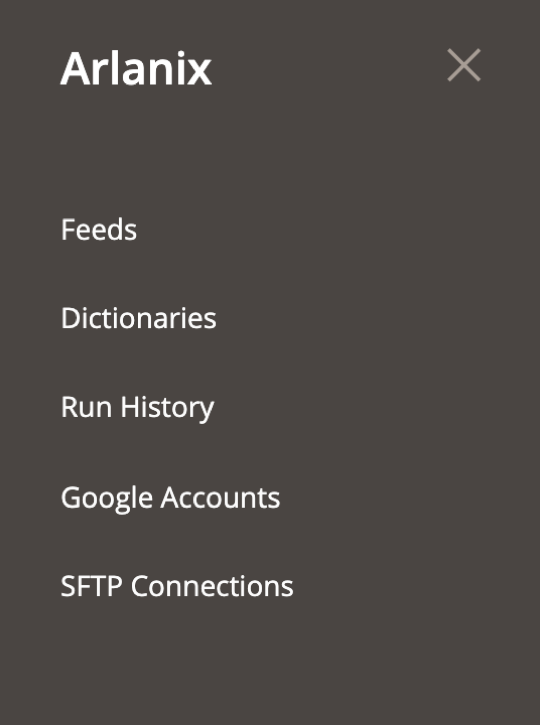
Everything is set up in the admin under Arlanix. Nothing needs to be coded.
How it goes
- Your developer installs it. It takes them about half an hour. Send them the documentation; Before you start lists what to ask for and how to check it was done.
- You make the feeds in the admin. Your first feed walks you through a Google Shopping feed in about ten minutes, with a screenshot of every step.
- You give the feed's address to the platform. Google, Meta or TikTok then collect the file on a schedule.
- The platform reviews your products. That takes a few days the first time. When Google rejects products explains the usual reasons and how to fix them here.
What it does
- Fills in the platform's fields for you. A feed for Google, Meta, TikTok, Pinterest, Snapchat or Microsoft starts with every field the platform requires already taken from your products: the SKU, the name, the description, the price, the main picture, the stock. You only change what your catalogue does differently, such as which attribute holds the brand.
- Picks the products. Only enabled products, only those in stock, only some attribute sets: a feed takes the products you choose, at the price a visitor sees on your site.
- Translates your words into theirs. Your store says Ivory, Google wants White; your store says In Stock, Meta wants in stock. A dictionary does it once for every product.
- Delivers and keeps a record. The file is published on your store, uploaded to a server, or sent straight into Google Merchant Center. Every run is kept in Run History, and Preview shows any product's row before it goes out.
Where to start
- Before you start: what you need, and what to ask your developer for.
- Your first feed: a Google Shopping feed, step by step.
- Recipes: sizes and colours, your own brand without barcodes, short titles for ads.
- Meta, TikTok, Pinterest, Snapchat and Microsoft: the same feed for the other platforms.
- Glossary: every word these pages use, in plain terms.
- When something is wrong: Running and checking, then the support bundle.