For arlanix/notification 1.0.0
Configuration
All settings are in Stores > Configuration > Arlanix > Notifications, in the default scope, as a delivery belongs to no store view. Only Order flow can differ for a website and a store view.
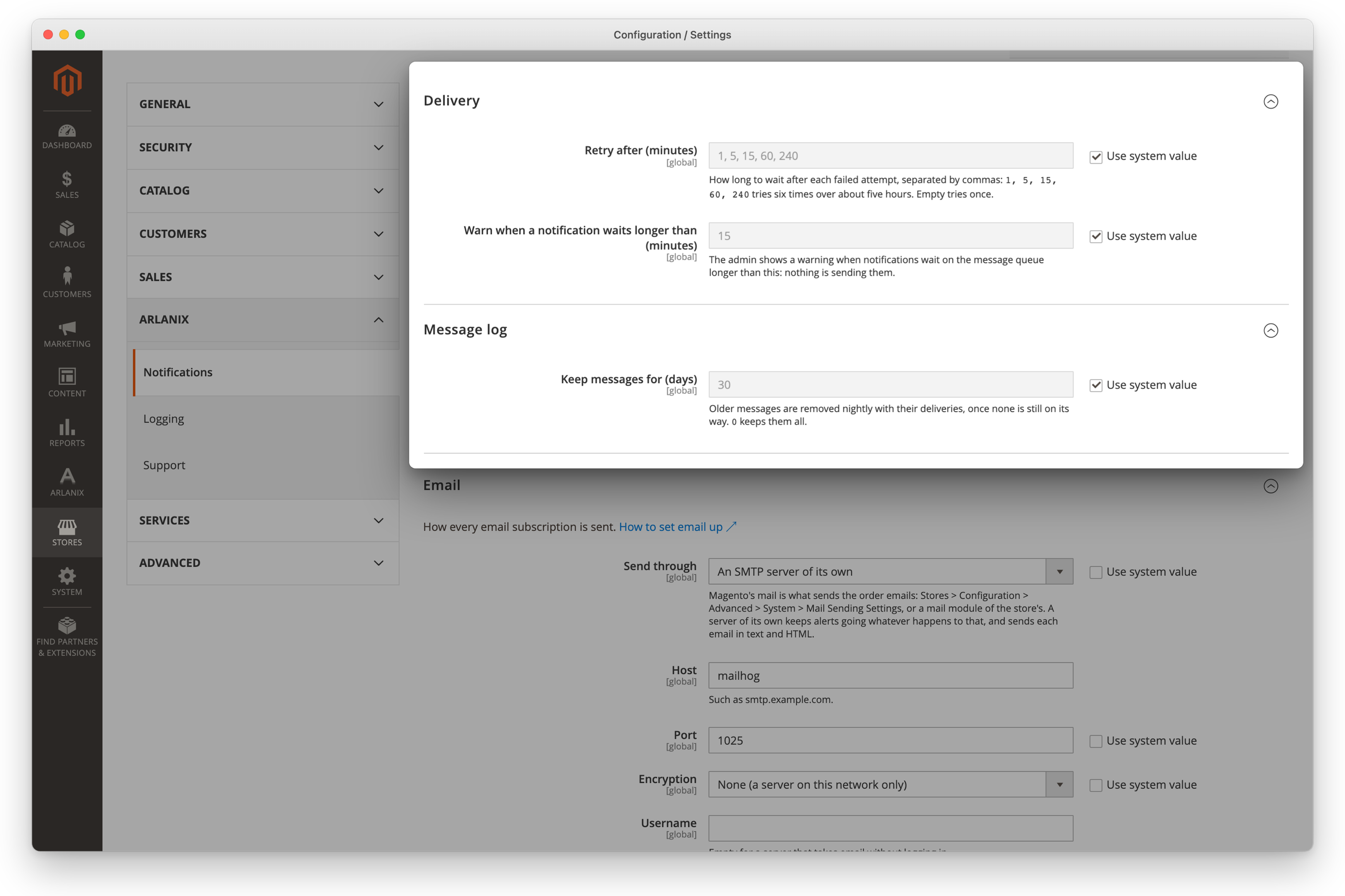
| Path | Admin field | Default | |
|---|---|---|---|
arlanix_notification/delivery/retry_minutes |
Retry after (minutes) | 1, 5, 15, 60, 240 |
The wait after each failed attempt, separated by commas. A delivery has one attempt more than there are entries; empty tries once. An entry that is not a whole number of minutes above 0 is skipped. |
arlanix_notification/delivery/stale_minutes |
Warn when a notification waits longer than (minutes) | 15 |
The admin's warning that nothing takes deliveries off the queue, shown while Magento_AdminNotification is enabled. |
arlanix_notification/log/keep_days |
Keep messages for (days) | 30 |
0 keeps every message. |
arlanix_notification/smtp/mailer |
Email > Send through | magento |
magento for Magento's own mail, own for the server below. |
arlanix_notification/smtp/* |
The sender, and the server of its own: see Email. | ||
arlanix_notification/telegram/bot_token, …/api_url |
Telegram | The store's bot: see Telegram, Slack and Discord. | |
arlanix_notification/monitoring/* |
Monitoring | Cron stopped after, the health check key, the error level: see Monitoring. | |
arlanix_notification/order_flow/* |
Order flow | Whether each store view's orders are watched, and the numbers Orders stopped goes by, for each store view: see Monitoring. |
Each one has its field, so config:set sets it too, as a deploy would: bin/magento config:set arlanix_notification/log/keep_days 90. With --lock-env the value goes into app/etc/env.php, and its field is locked in the admin.