For arlanix/api-monitor 1.0.1
Sampling and retention
Open Stores > Configuration > Arlanix > API Monitor at default scope. Settings apply store-wide.
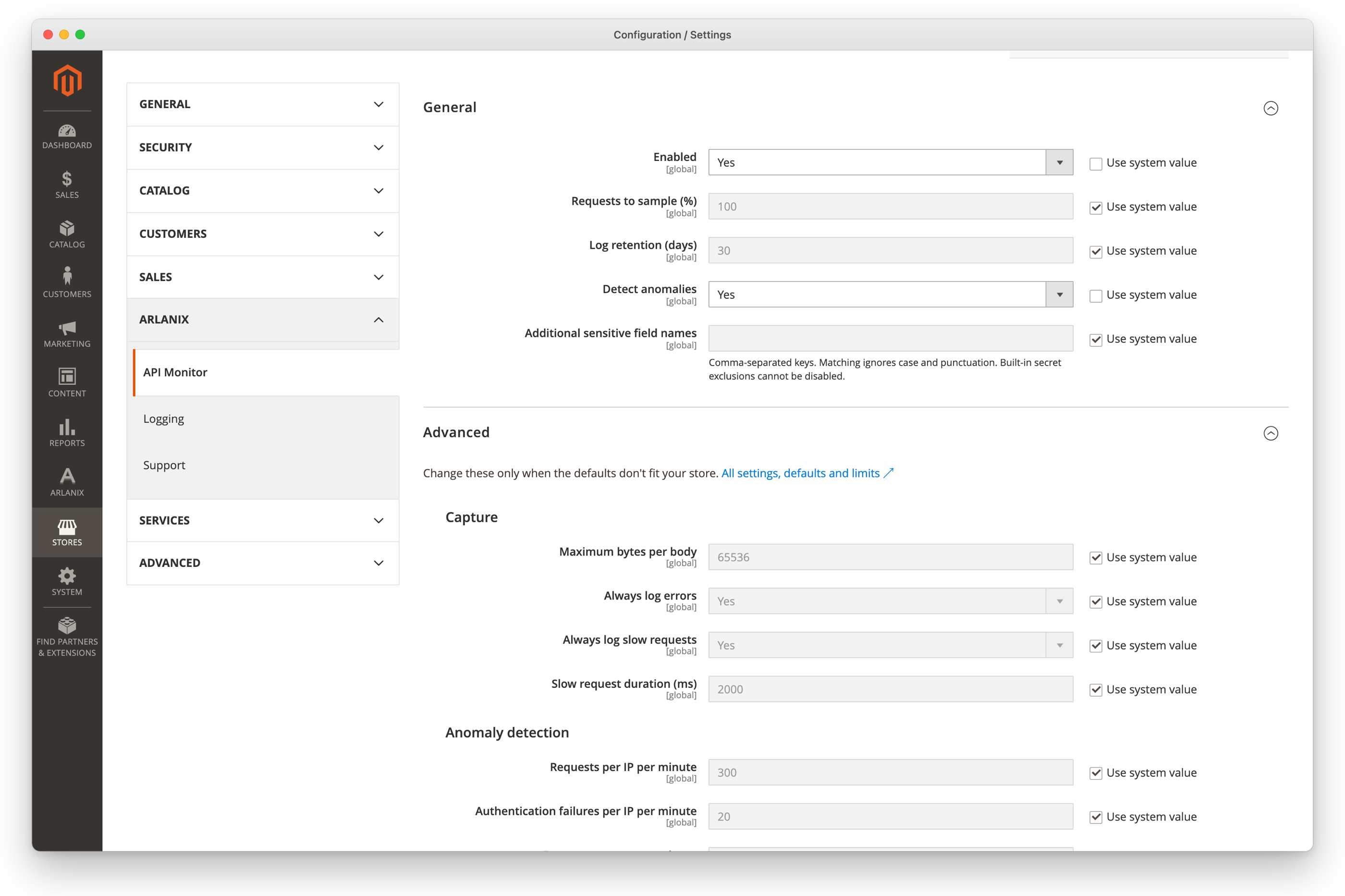
The settings are shown with demonstration data.
Sampling
Requests to sample (%) starts at 100, so every request is sampled for detail storage; lower percentages select randomly. It is not a per-minute quota.
Under Advanced, Capture contains Always log errors and Always log slow requests. Enabled exceptions keep qualifying requests even at 0% sampling. Slow request duration (ms) sets the slow threshold. Enabled anomaly counters include requests regardless of sampling.
Body size
Maximum bytes per body limits request and response bodies separately. Zero omits non-empty bodies. Raising the limit cannot restore omitted or shortened content. See Configuration for defaults and limits.
Ask your developer to install PHP zlib: without it, request details are stored uncompressed and take about nine times more database space on typical REST traffic.
Retention and cleanup
Log retention (days) starts at 30 and controls when request logs and alerts expire. Stores that saved their own value keep it. Cleanup removes expired requests and their bodies, old alerts, expired counters and traffic history. Reducing retention can make records immediately due for deletion.
Scheduled cleanup can leave records longer while a backlog clears. Cleanup needs Magento cron and continues when capture is off. Ask your developer to check Cron and cleanup if old records remain.